
ShadowART
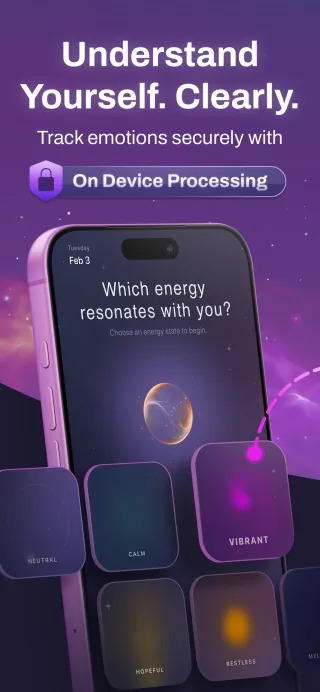
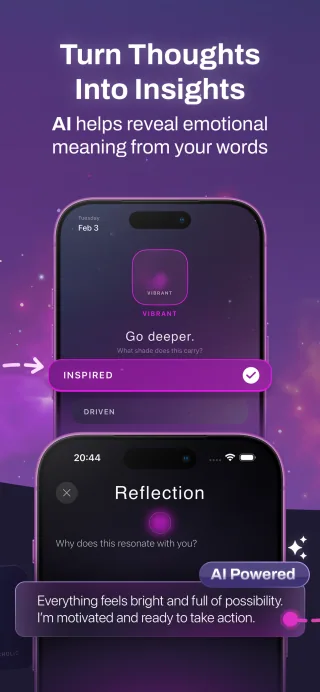
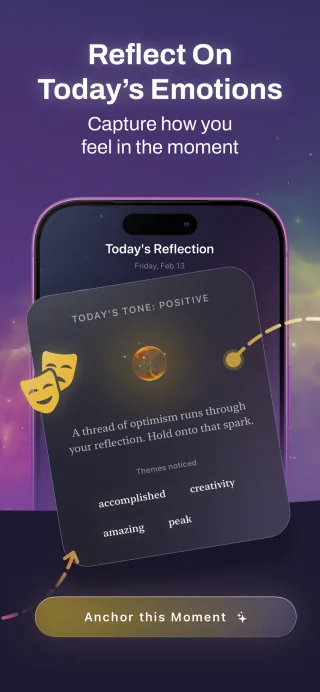
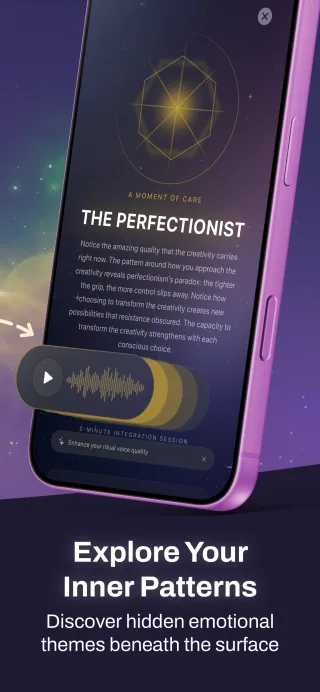
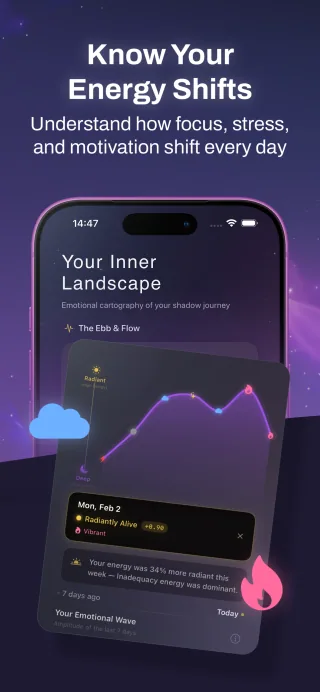
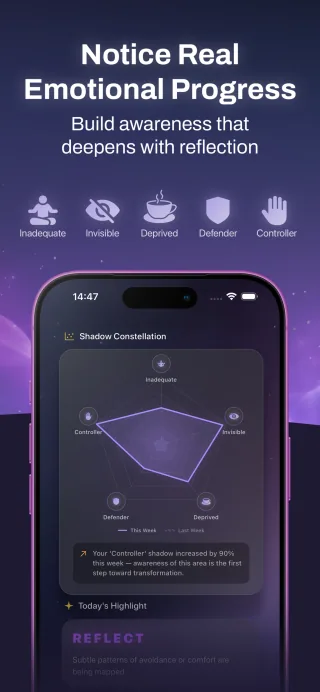
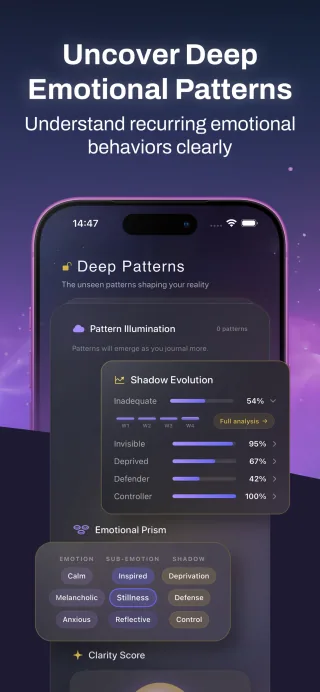
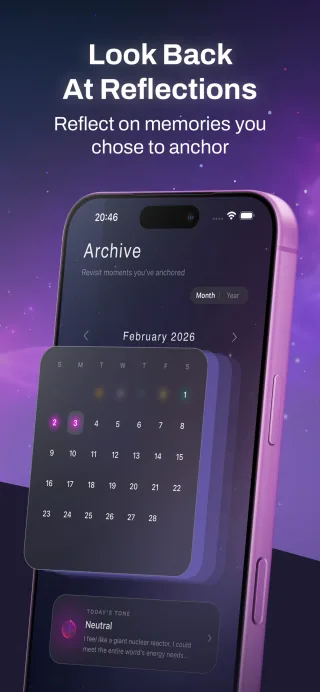
Track your mood, keep a personal journal and explore reflection prompts on iPhone. ShadowART combines quick check-ins with on-device text analysis.
Edit videos, keep a personal journal, explore your decision-making habits or automate your home. Discover independent apps for iPhone, iPad and Mac, made by umay.dev.
From AI-powered wellness tools to WiFi home security, from game theory micro-games to viral content creation — every product is crafted with obsessive attention to design, privacy, and user experience.
Track your mood, keep a personal journal and explore reflection prompts on iPhone. ShadowART combines quick check-ins with on-device text analysis.

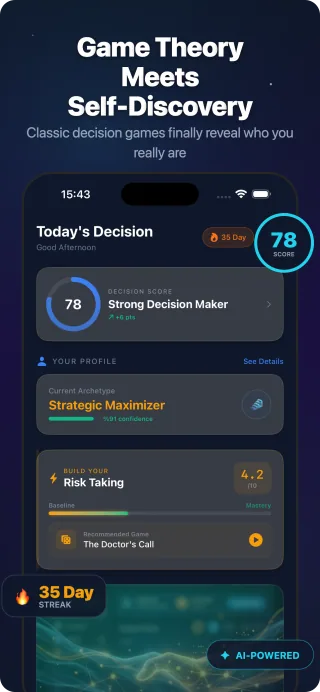
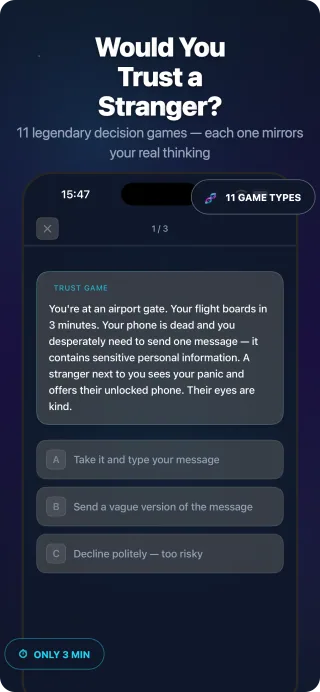
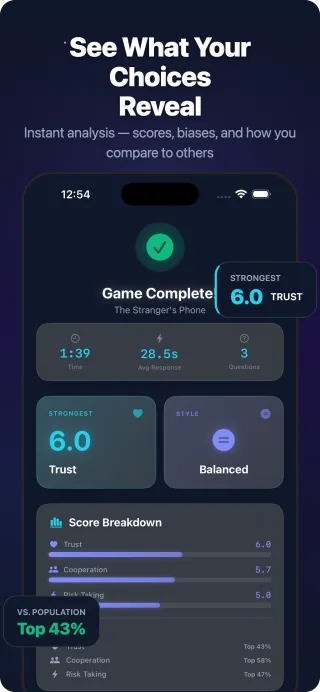
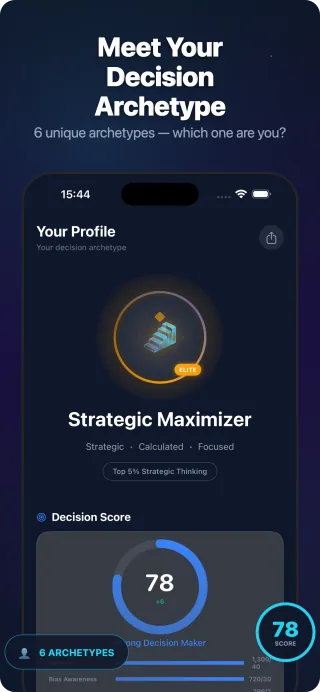
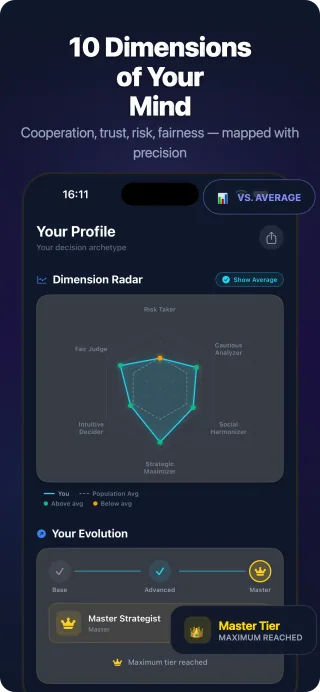
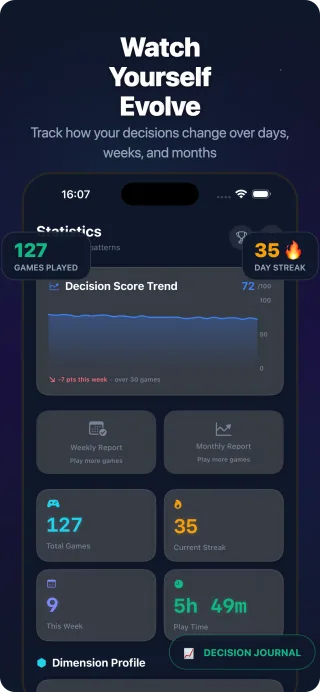
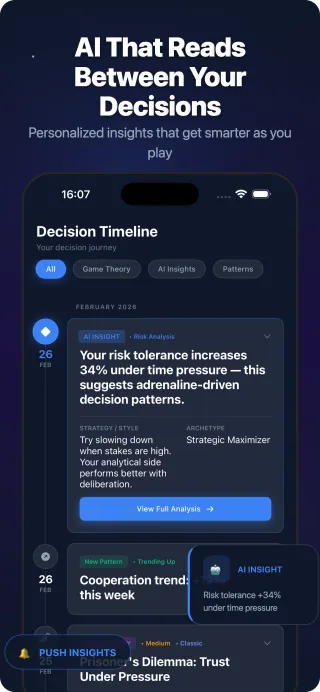
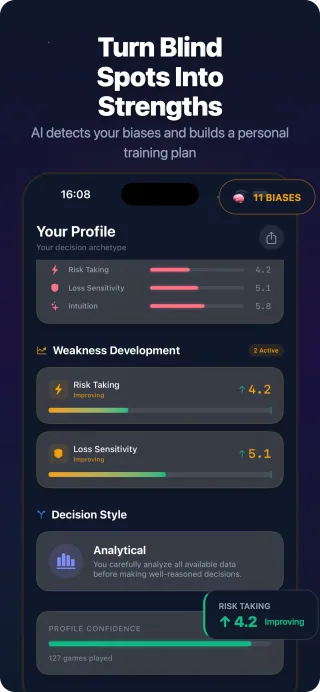
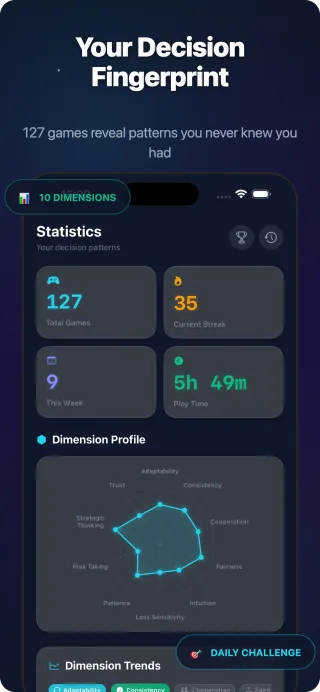
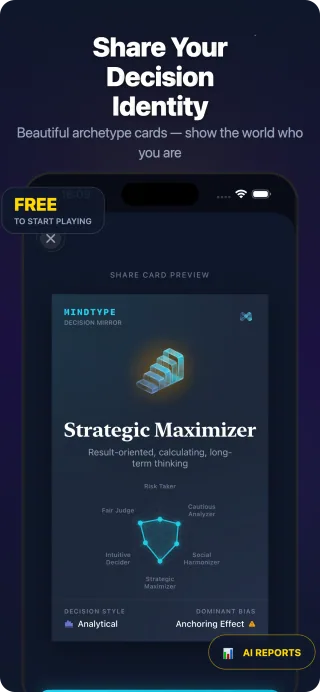
Explore your decision-making patterns with short game theory scenarios on iPhone. Play trust, cooperation and risk games, then review your decision profile.

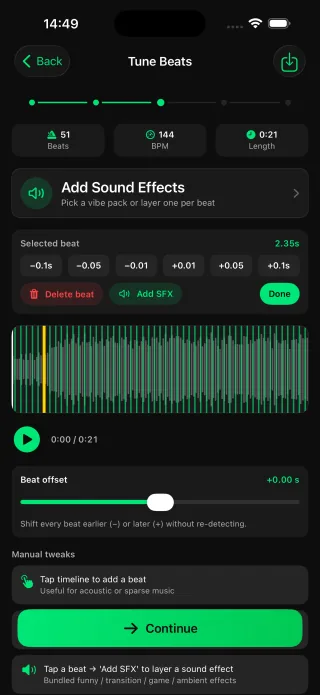
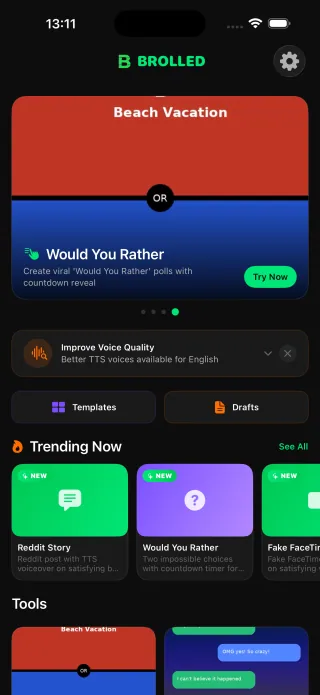
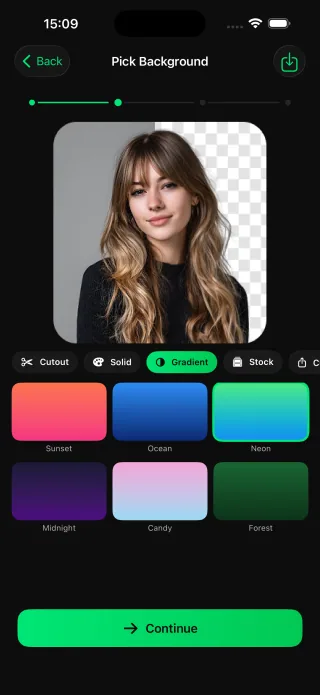
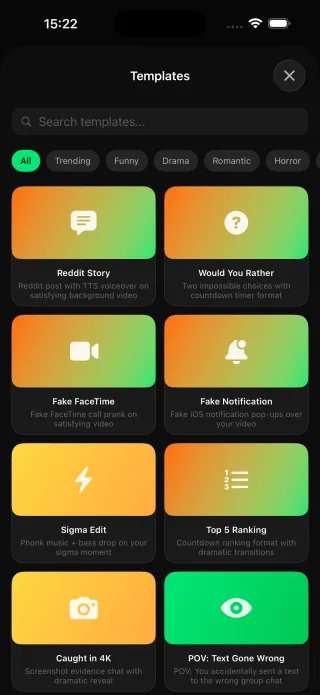
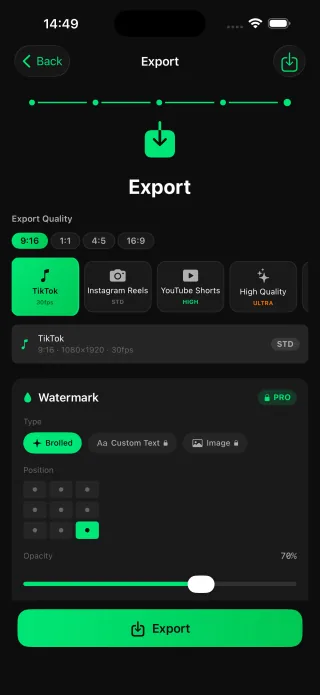
Make memes and short videos on iPhone with Brolled. Add auto captions, sync photos to a beat and create ranking videos for Reels, TikTok and Shorts.






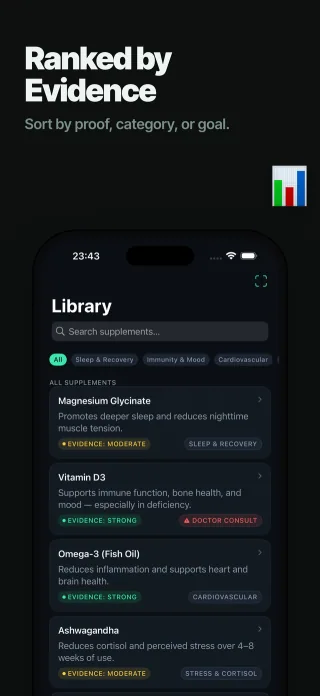
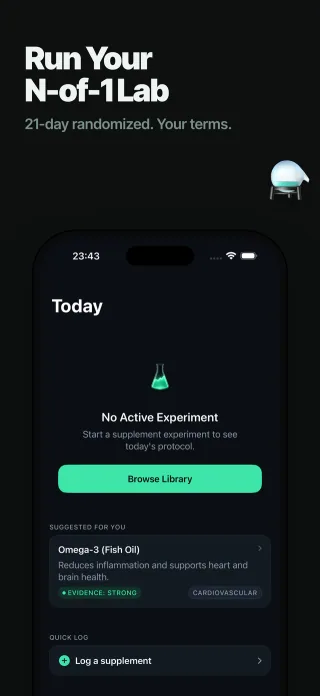
Track supplements and personal observations on iPhone with SuppLab. Use optional Apple Health data, daily check-ins and an on-device label scanner.



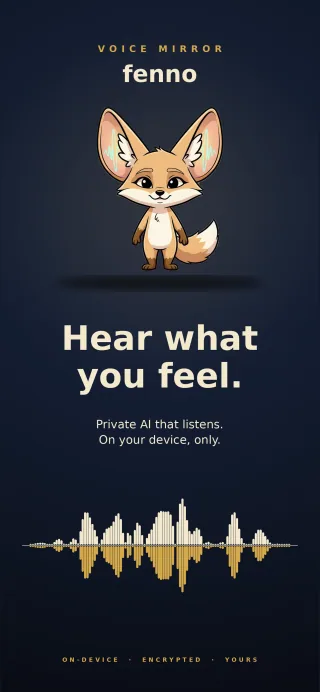
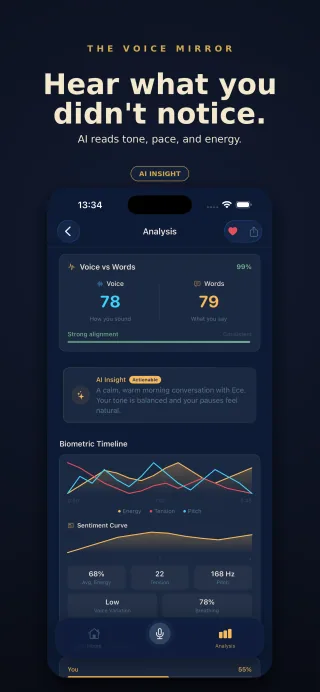
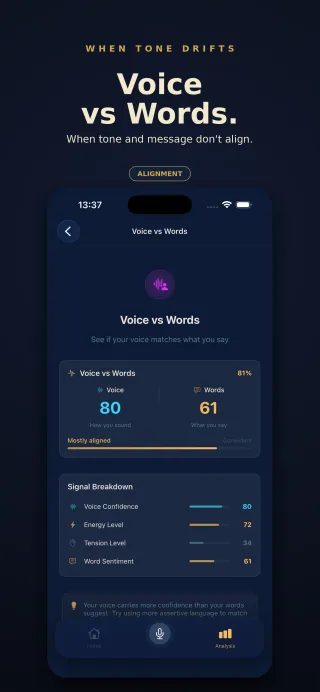
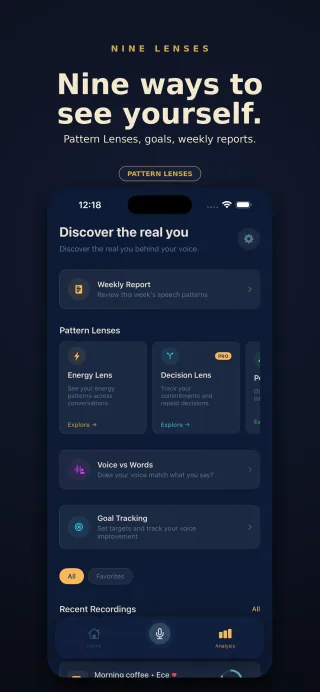
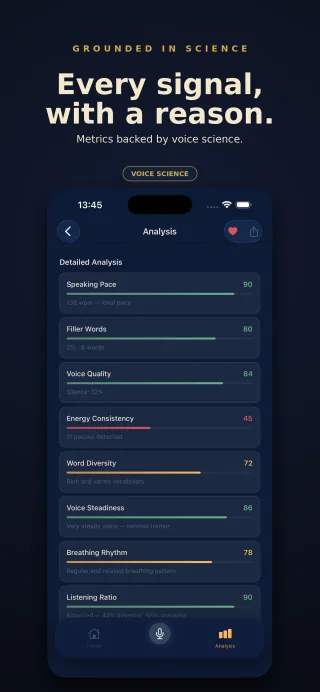
Reflect on your speaking pace, filler words and vocal energy with Fenno for iPhone. Voice analysis runs on your device, with encrypted local recordings.


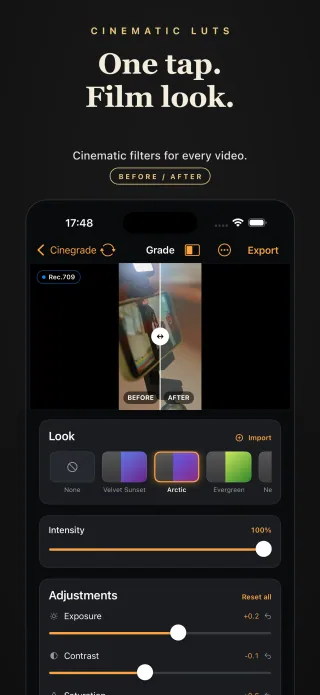
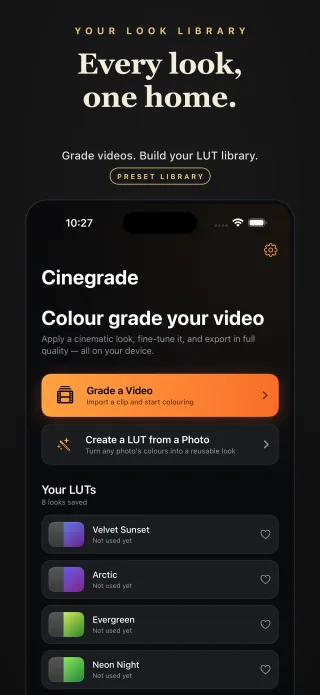
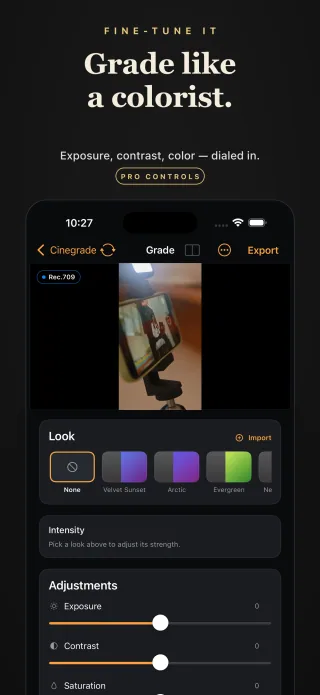
Apply cinematic LUTs to videos and photos on iPhone and iPad. Fine-tune exposure, contrast, saturation, temperature and grain, then export with Cinegrade.


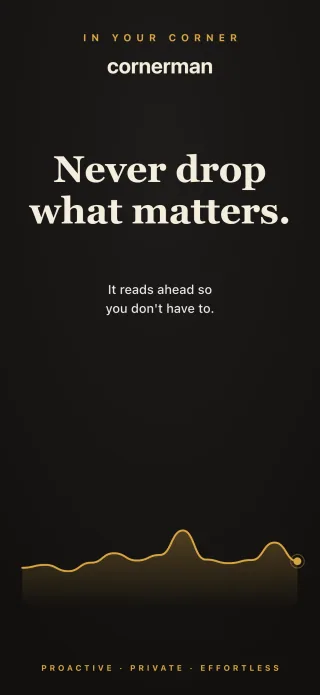
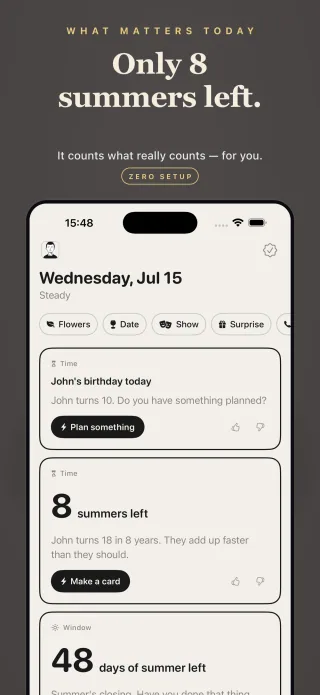
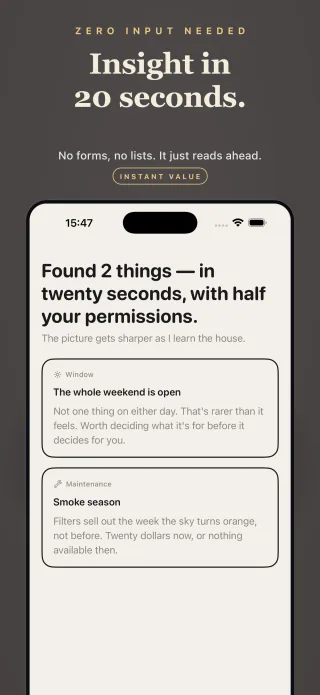
Stay on top of family plans with Cornerman for iPhone. An on-device assistant for dads that connects calendar events, contacts and location to surface reminders.


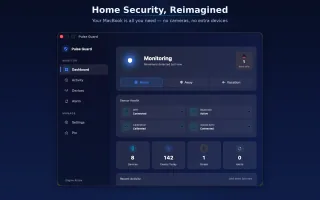
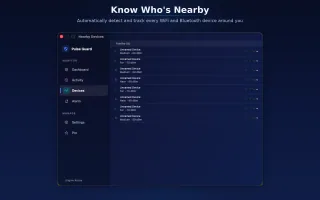
Monitor WiFi signal changes and nearby Bluetooth devices on your Mac with Pulse Guard. Calibrate your room and adjust alerts without adding a camera.




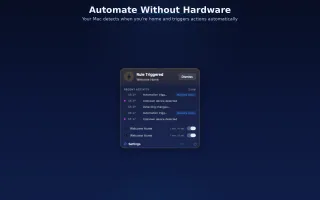
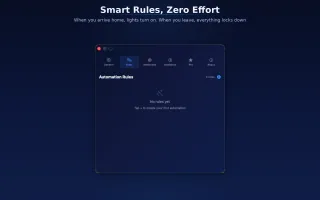
Build smart home rules on Mac with Pulse Home. Combine presence triggers, HomeKit actions and webhooks with conditions and delays for your own routines.



Native iPhone, iPad and Mac apps, designed, built and supported by one developer.
umay.dev is the independent app studio of Buğra Günay, a solo iOS and macOS developer based in Türkiye. Every app here is designed, built, published and supported by the same person, and has been since the first release in 2020.
The current apps cover short-form video creation (Brolled), cinematic color grading (Cinegrade), private mood journaling (ShadowART), voice and speaking reflection (Fenno), game theory decision games (MindType), personal supplement experiments (SuppLab), a calendar assistant for dads (Cornerman) and WiFi-based home monitoring and automation for Mac (Pulse Guard and Pulse Home).
The apps are written natively in Swift and SwiftUI. Where a feature can run on the device, it does: several apps use Apple frameworks such as Core ML, Speech and Vision locally, and some have no accounts or servers at all. Data handling differs by app, so each one links to its own privacy policy.
Questions, bug reports or press: experlercom@gmail.com. More about the developer on the about page.
Four principles guide everything we design and ship. These aren't just words on a wall — they're encoded into every line of code, every design decision, and every product release.
Your data stays yours. ShadowART processes all emotional data on-device using Apple Core ML and the Natural Language framework. Pulse Guard analyzes WiFi signal changes locally on your Mac. Some apps offer optional sync or connected features. Check each app’s privacy policy and settings for details.
We obsess over every pixel, every animation, every micro-interaction. From ShadowART's calming archetype cards to Pulse Guard's real-time monitoring dashboard, every screen is designed to feel intuitive from the first tap. Beautiful enough to show off, simple enough to use without a tutorial. We believe great design is invisible — it just works.
We believe in launching early and iterating based on real user feedback. Every app goes through Apple TestFlight beta testing before public release. App Store Connect analytics and user feedback help us identify which features users engage with, guiding development roadmaps and prioritizing what matters.
On-device sentiment analysis and NLP for journaling in ShadowART, game theory algorithms based on Nash Equilibrium and Prisoner's Dilemma in MindType. We make AI accessible, private, and genuinely useful — not a marketing buzzword, but a core product feature.