Pulse Home App Icon
Smart Home Automation for macOS

Pulse Home

Your Mac is already a smart home hub. Create automation rules triggered by WiFi presence, geofence, and HomeKit — no hubs or extra devices needed.

Free to start. Pro unlocks unlimited rules, webhooks & geofence.
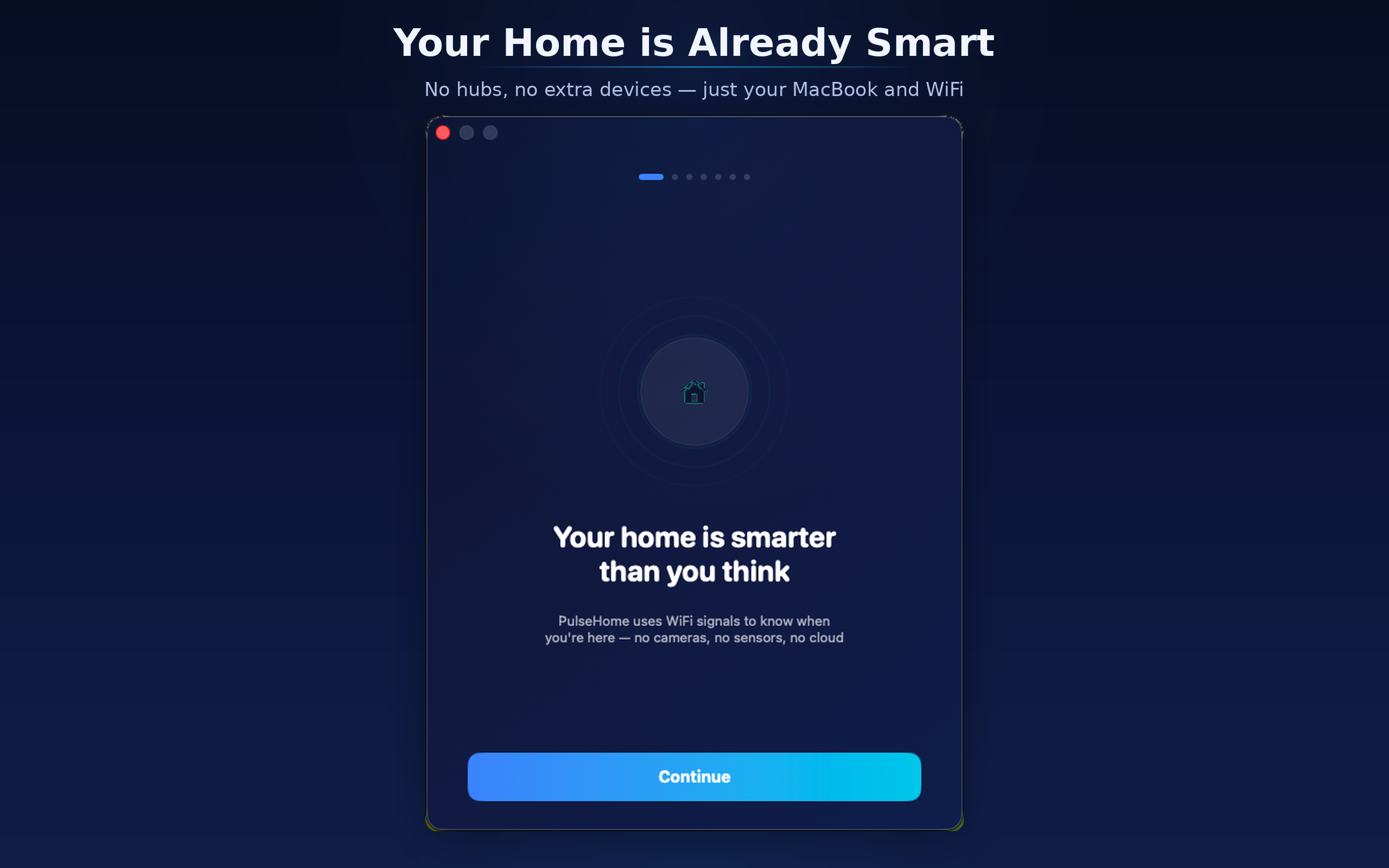
Pulse Home Welcome
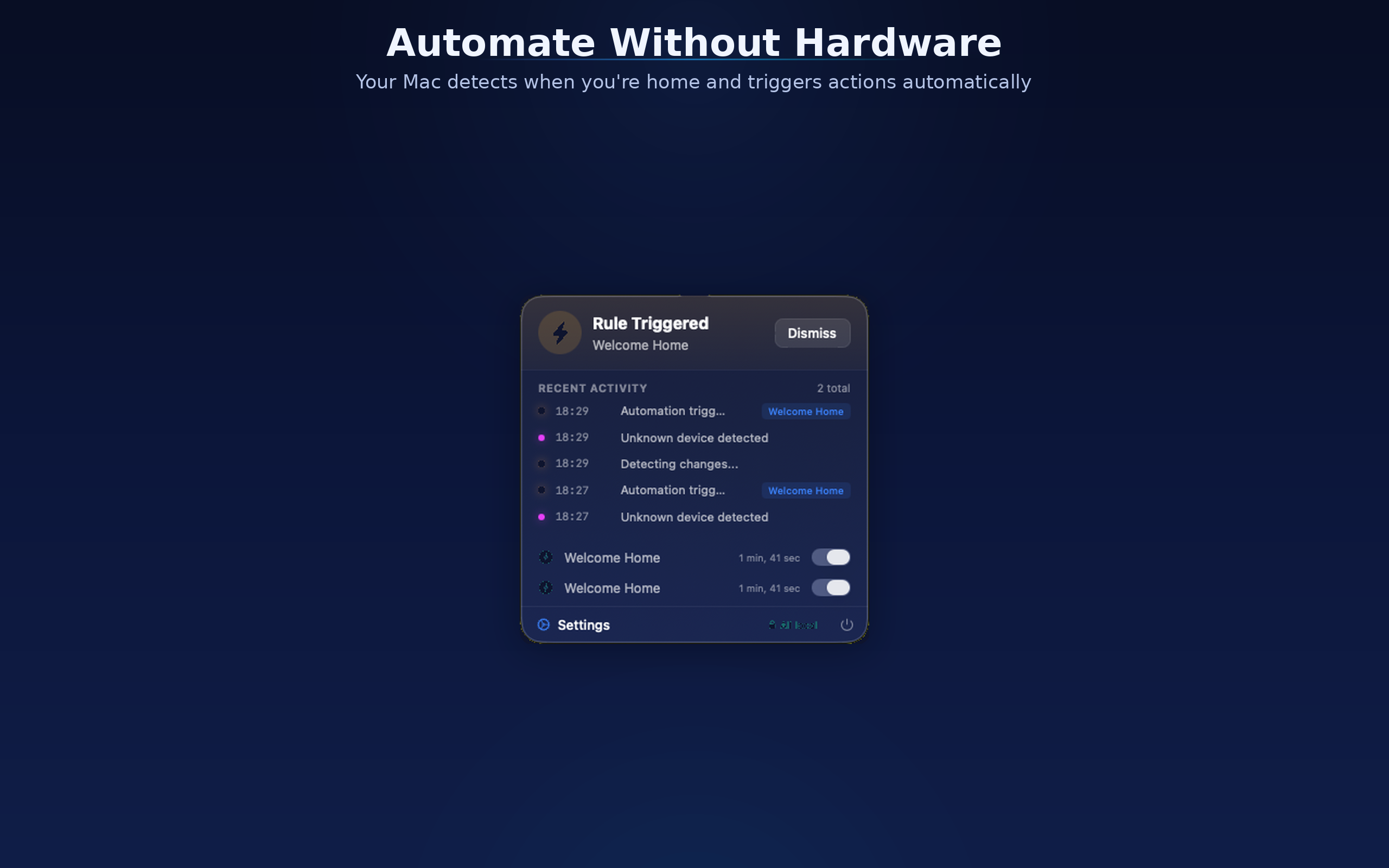
Pulse Home Menu Bar
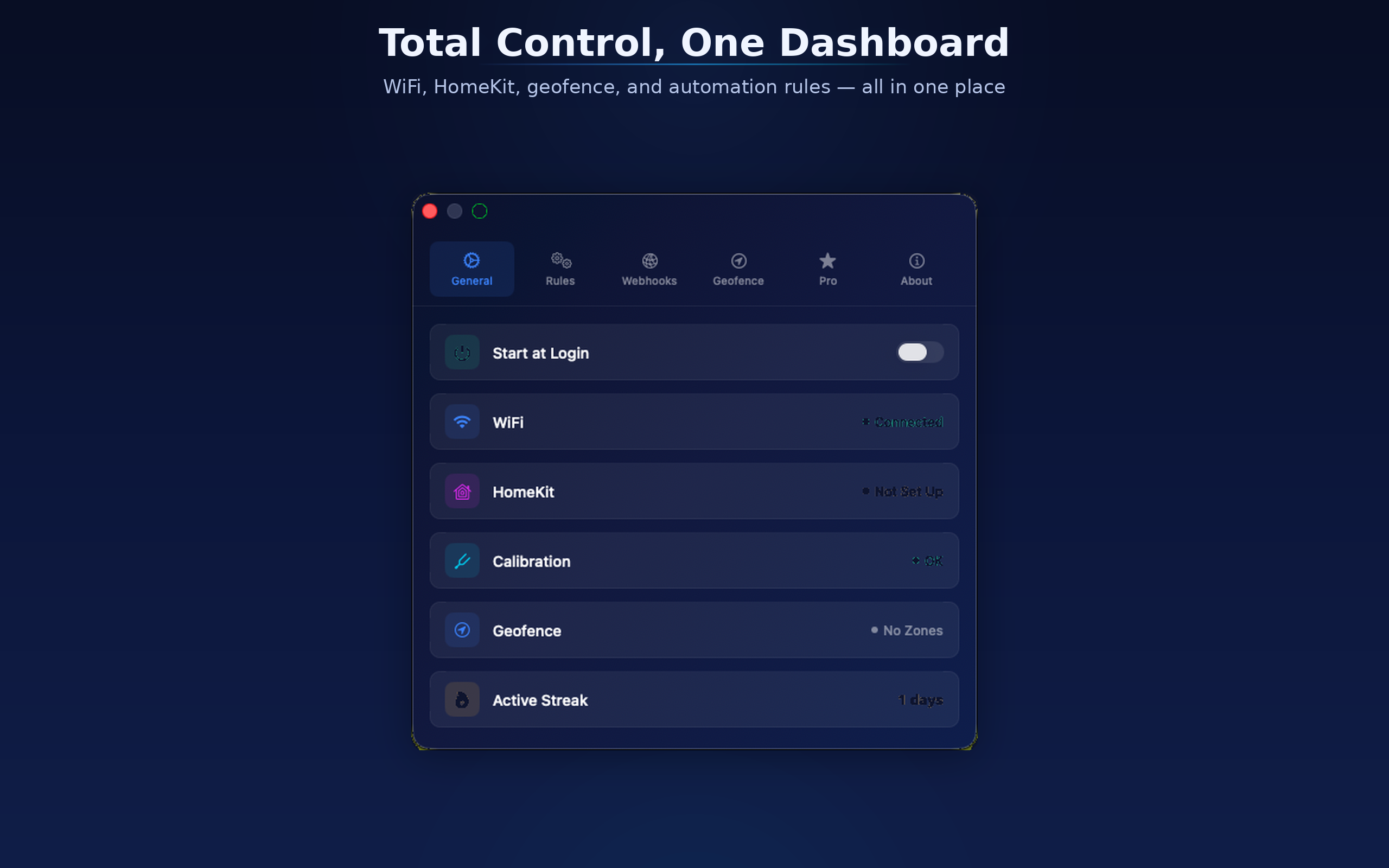
Pulse Home Settings
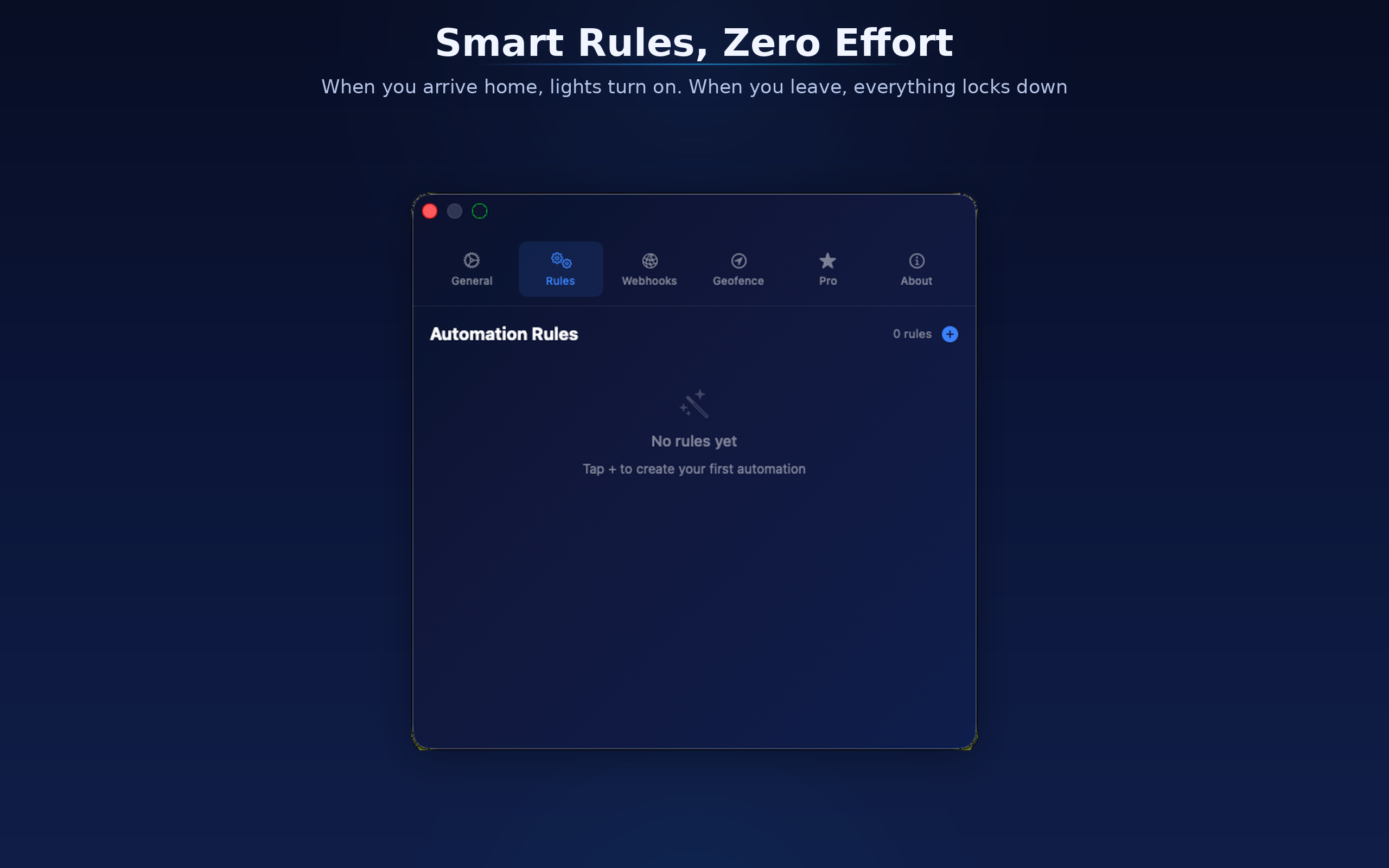
Pulse Home Rules
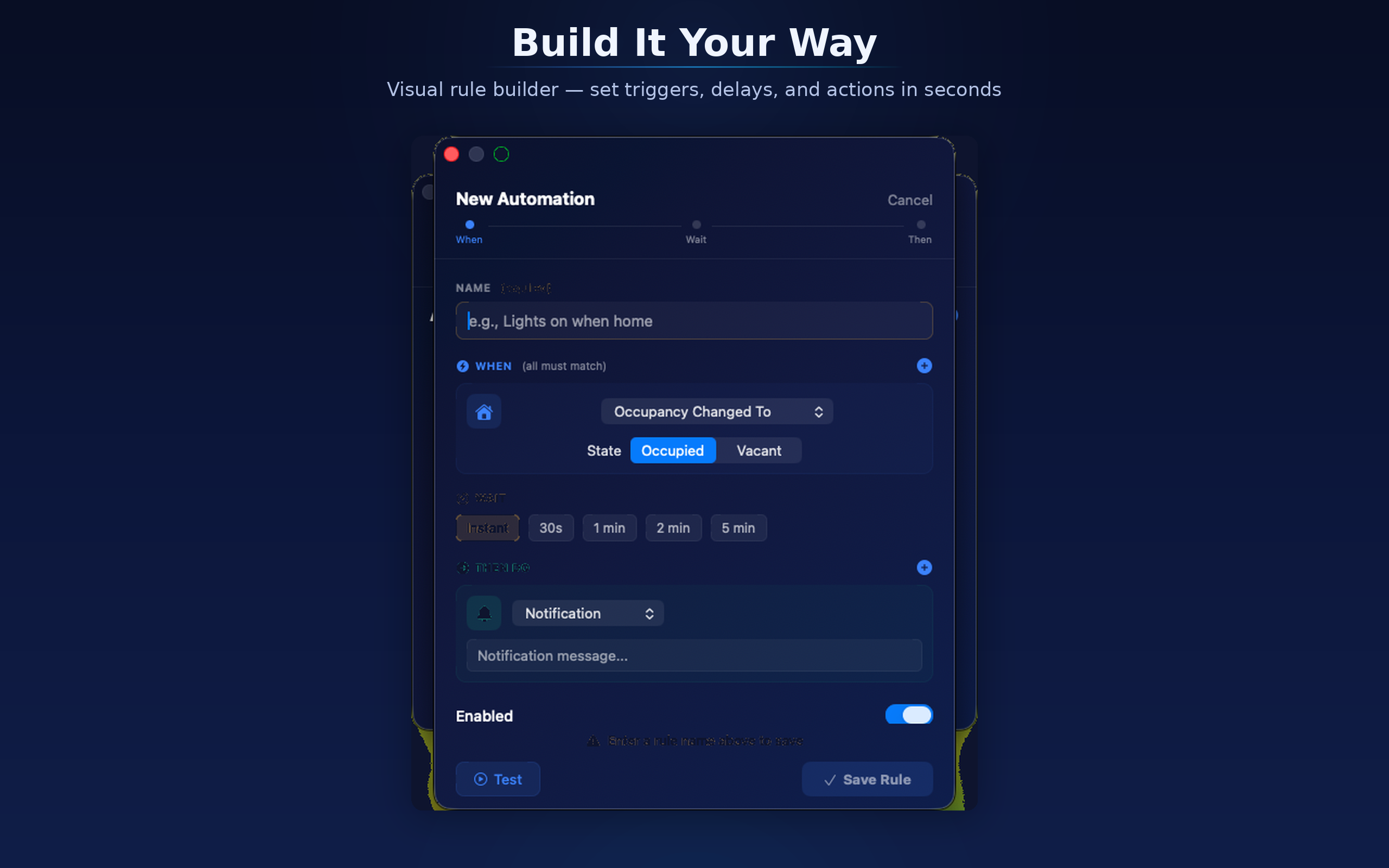
Pulse Home Rule Builder
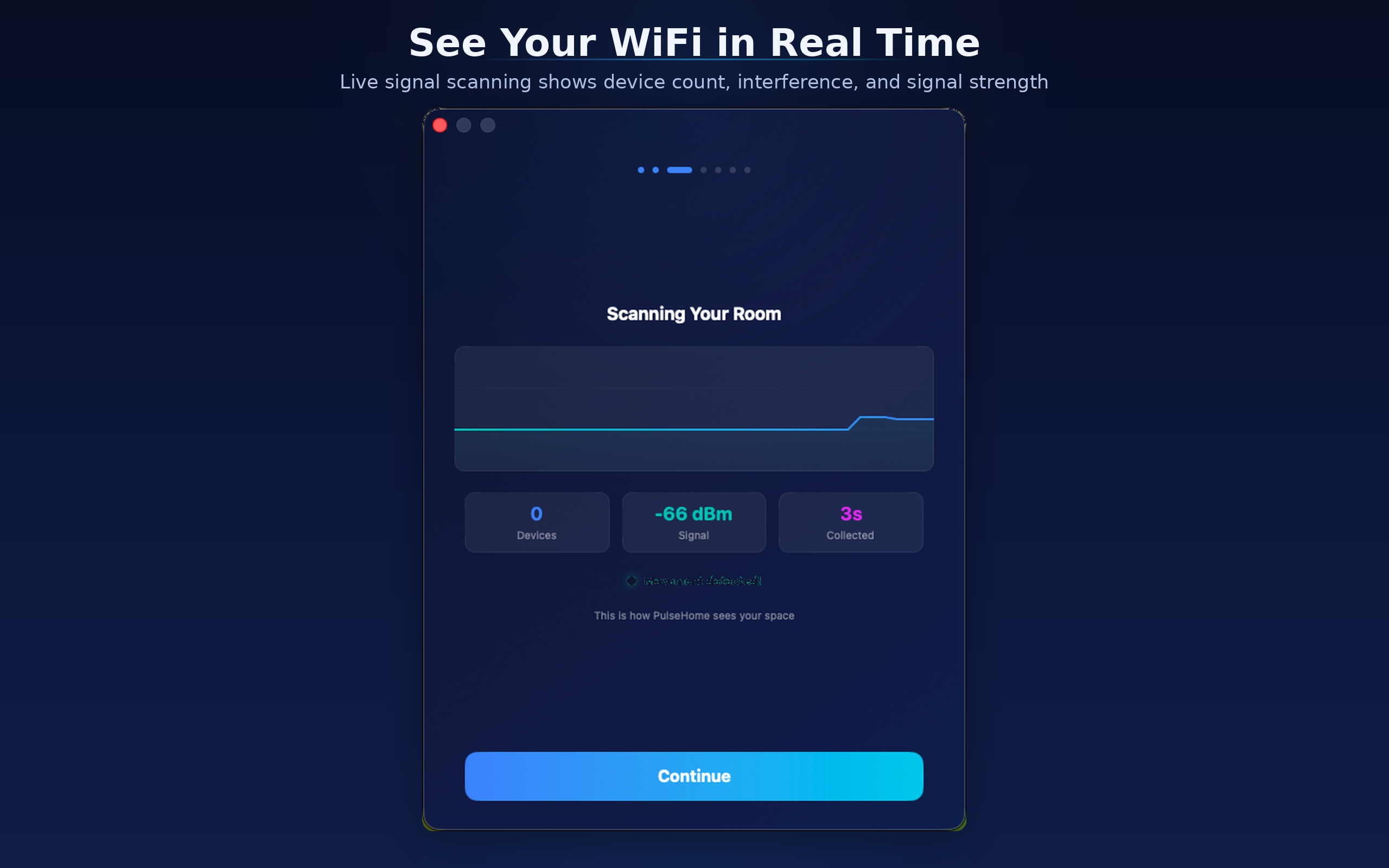
Pulse Home Scanning
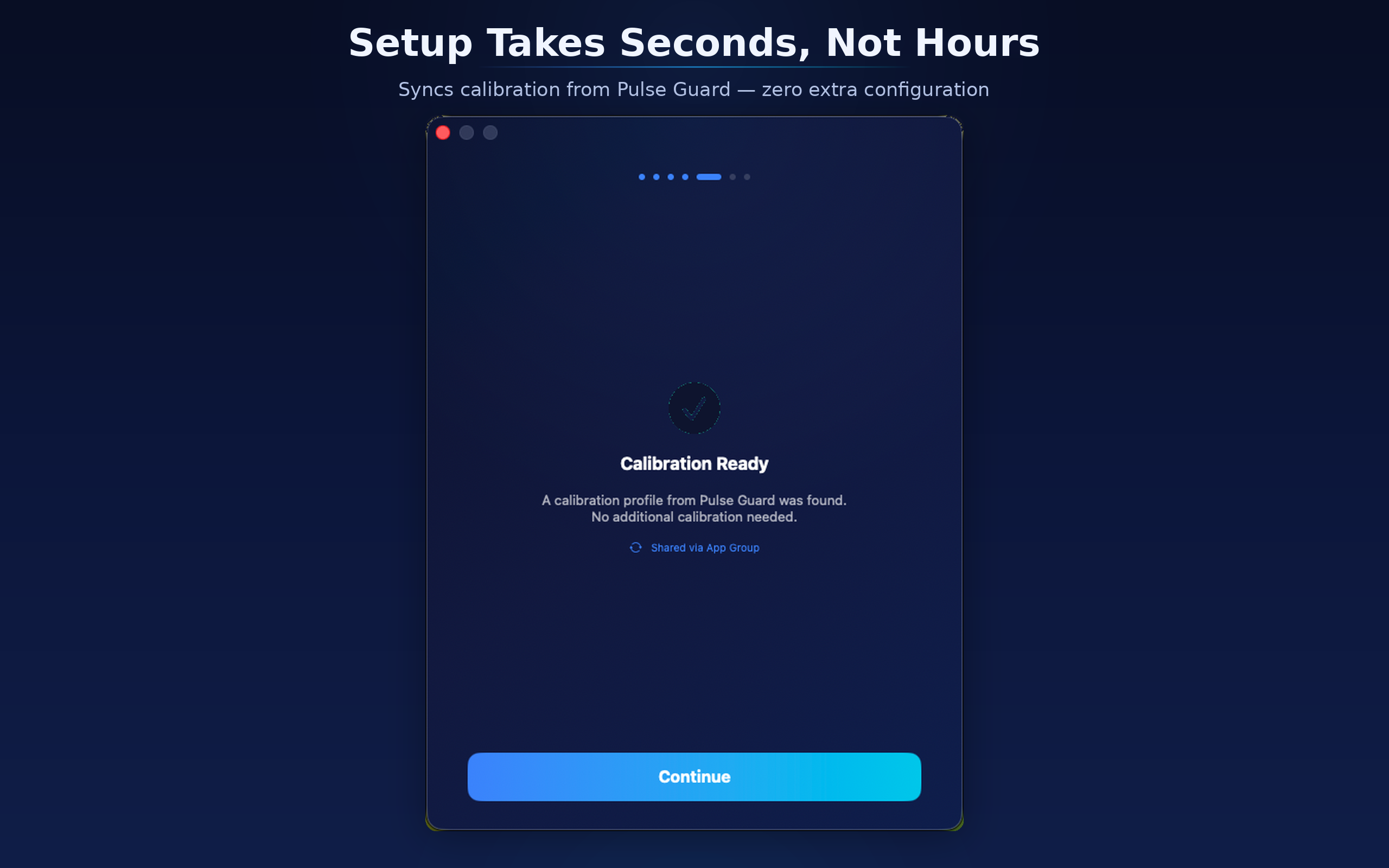
Pulse Home Calibration
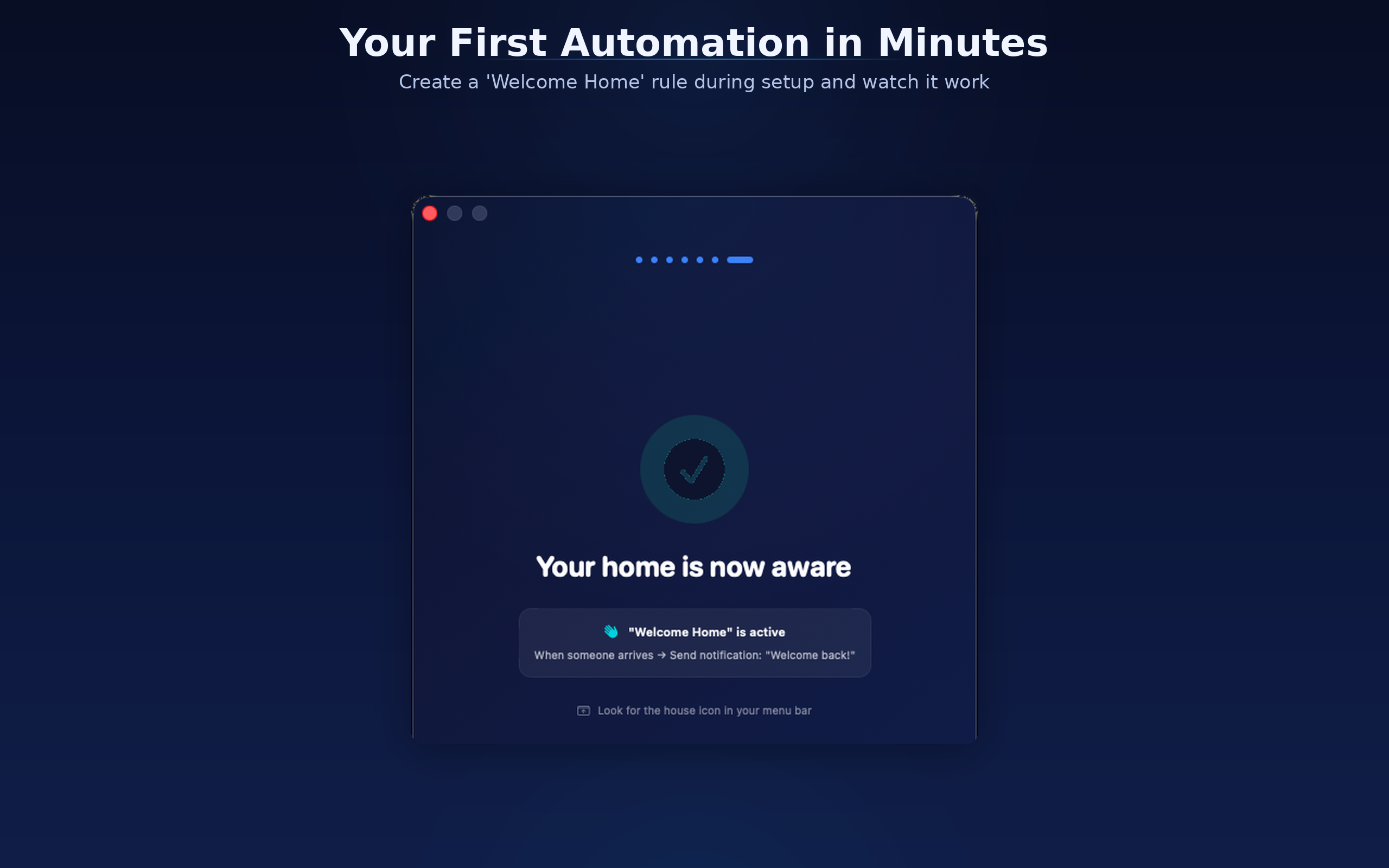
Pulse Home First Automation
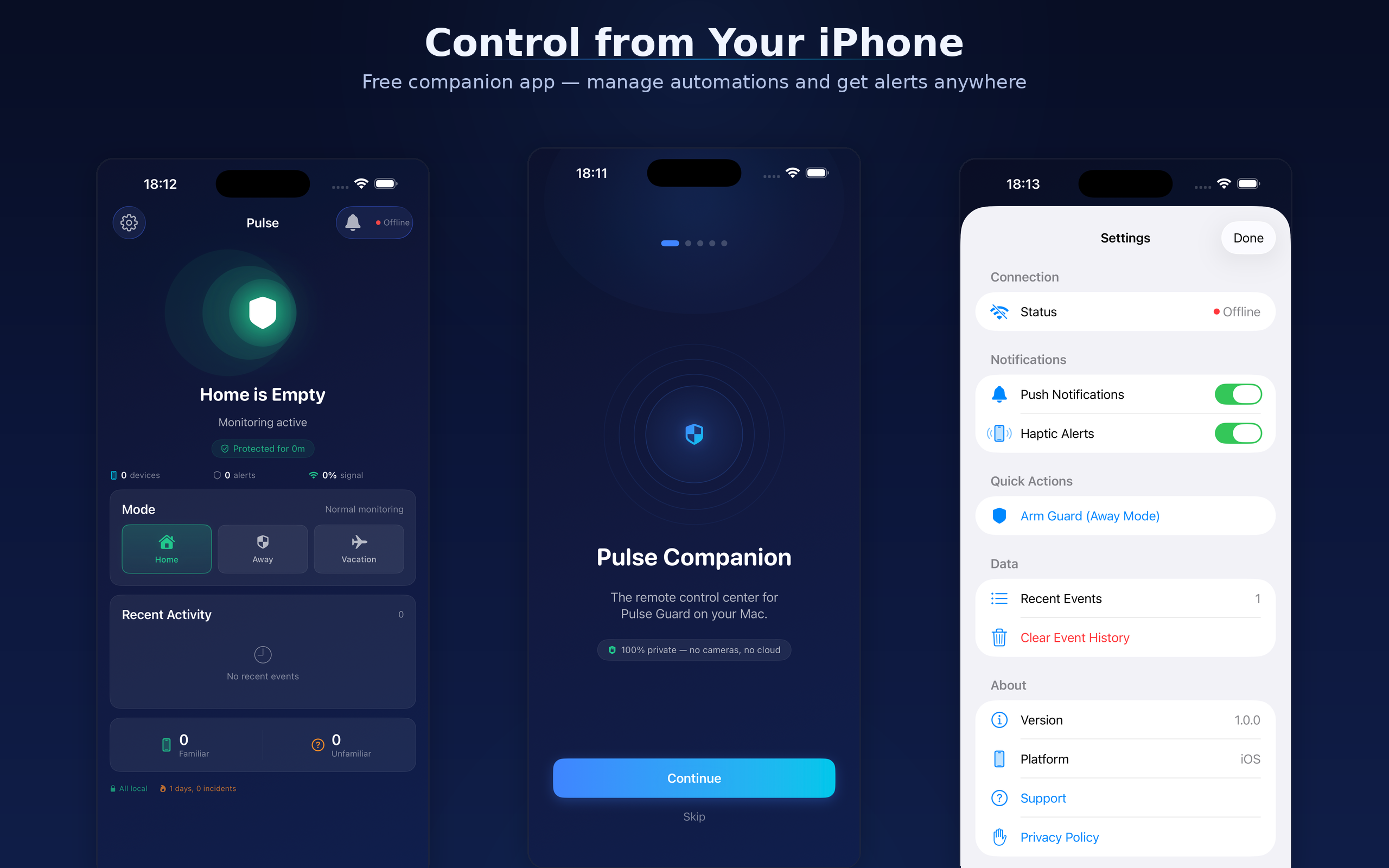
Pulse Home Companion App

What it does

Pulse Home detects when you arrive or leave using WiFi signals, then triggers automations you define. Lights, locks, notifications, webhooks — your rules, your way.

Custom Automation Rules

Visual rule builder with triggers, conditions, delays, and actions. If-this-then-that logic tailored to your home.

HomeKit Integration

Control HomeKit devices based on WiFi presence. Lights on when you arrive, everything off when you leave.

Geofence Triggers

Set location-based zones. Automations fire when you enter or leave an area — perfect for "leaving home" routines.

Webhooks

Send HTTP requests to Home Assistant, IFTTT, Node-RED, or any endpoint. Connect Pulse Home to your existing smart home stack.

WiFi Presence Detection

Syncs with Pulse Guard calibration. Knows when someone is home based on WiFi signal patterns — no motion sensors needed.

Menu Bar Control

Compact menu bar interface. See status at a glance, switch modes, and manage your home without opening a window.

Part of the Pulse Ecosystem

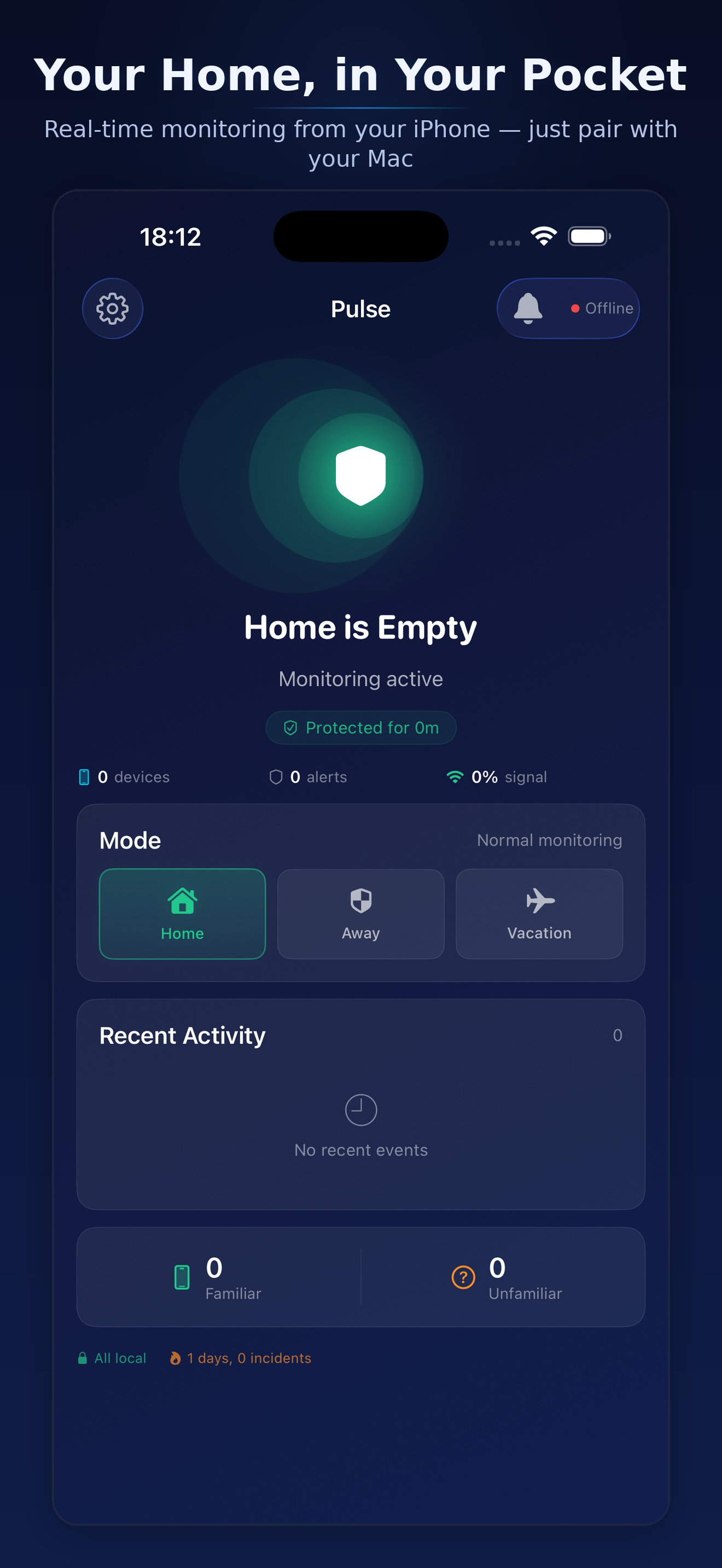
Control from your iPhone

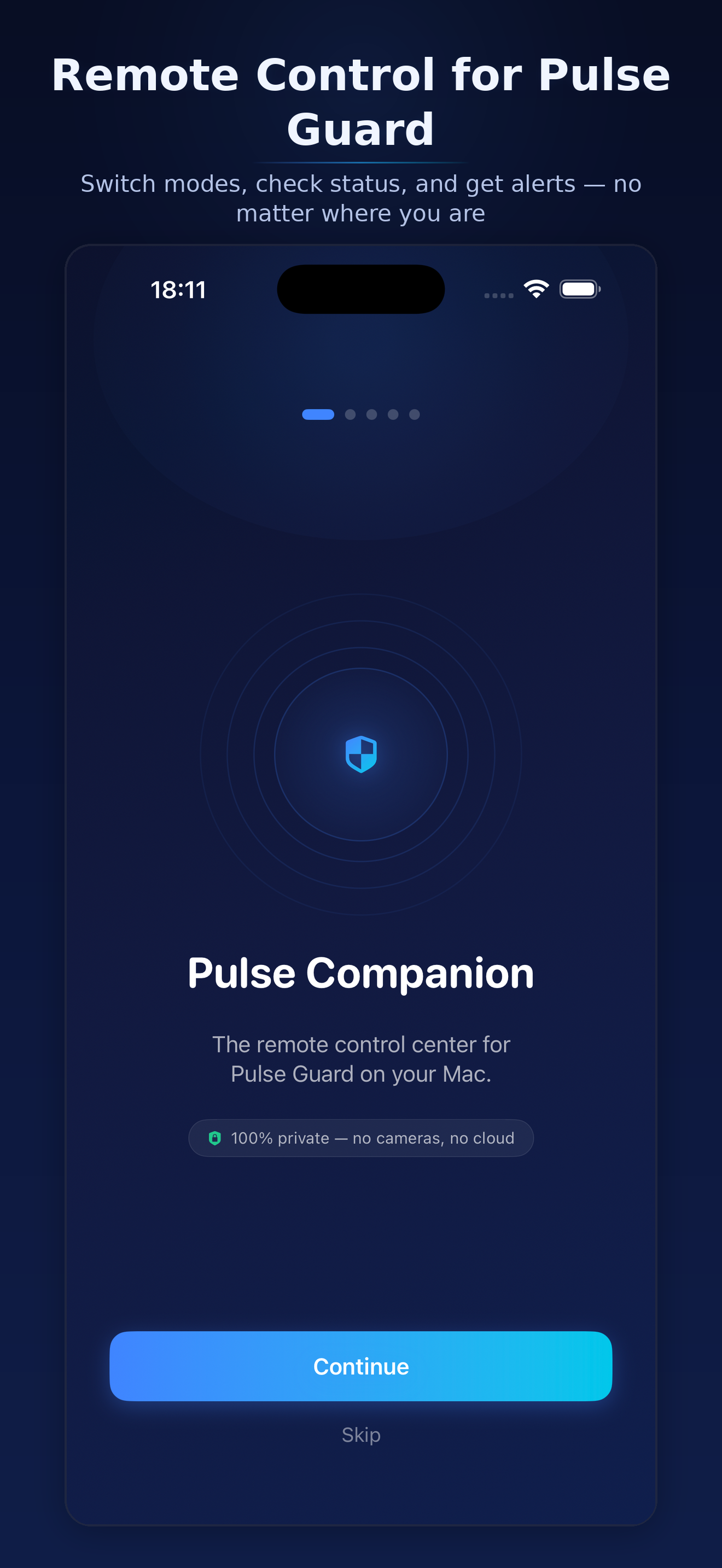
Pulse Companion lets you monitor and control your smart home from anywhere. Switch modes, get alerts, and check status on the go.

Pulse Companion Dashboard
Pulse Companion Welcome
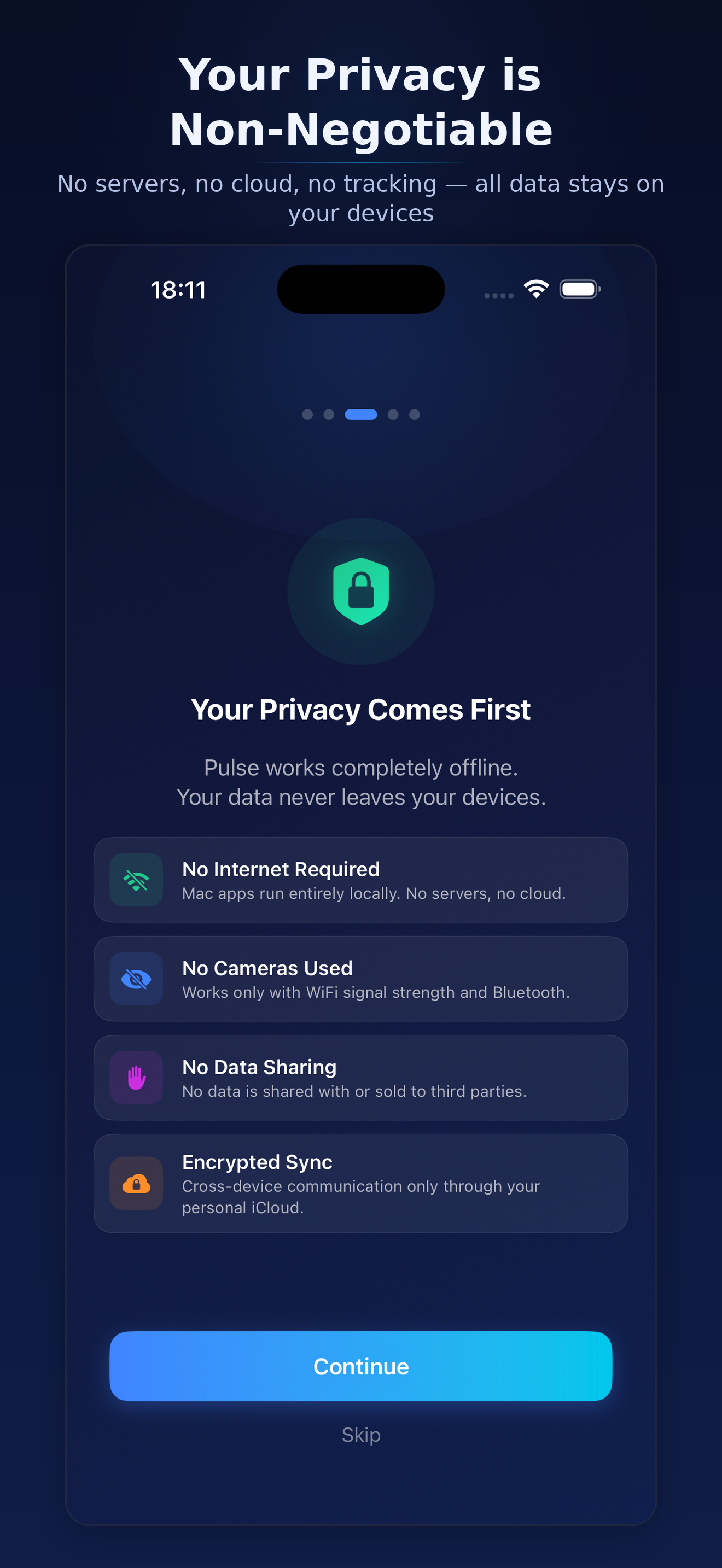
Pulse Companion Privacy
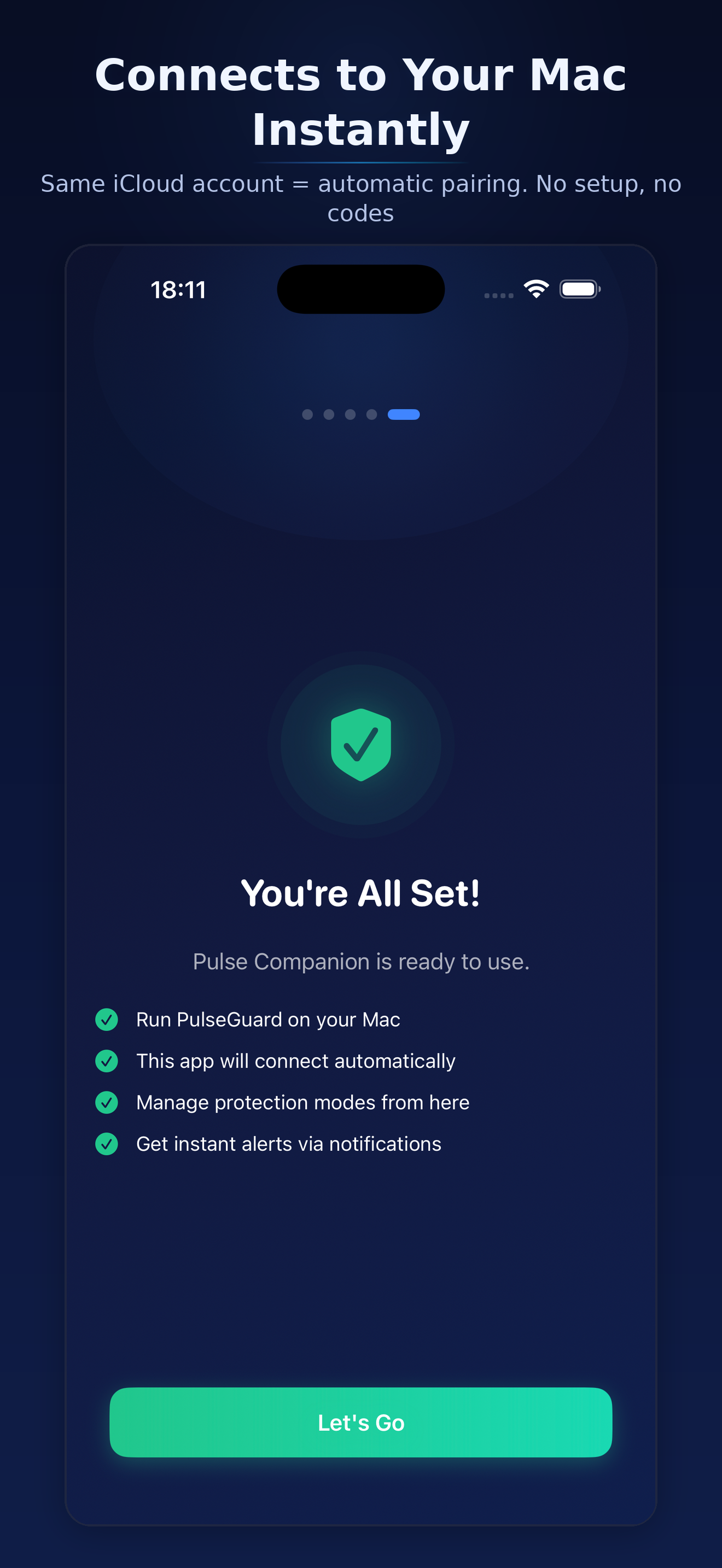
Pulse Companion Setup
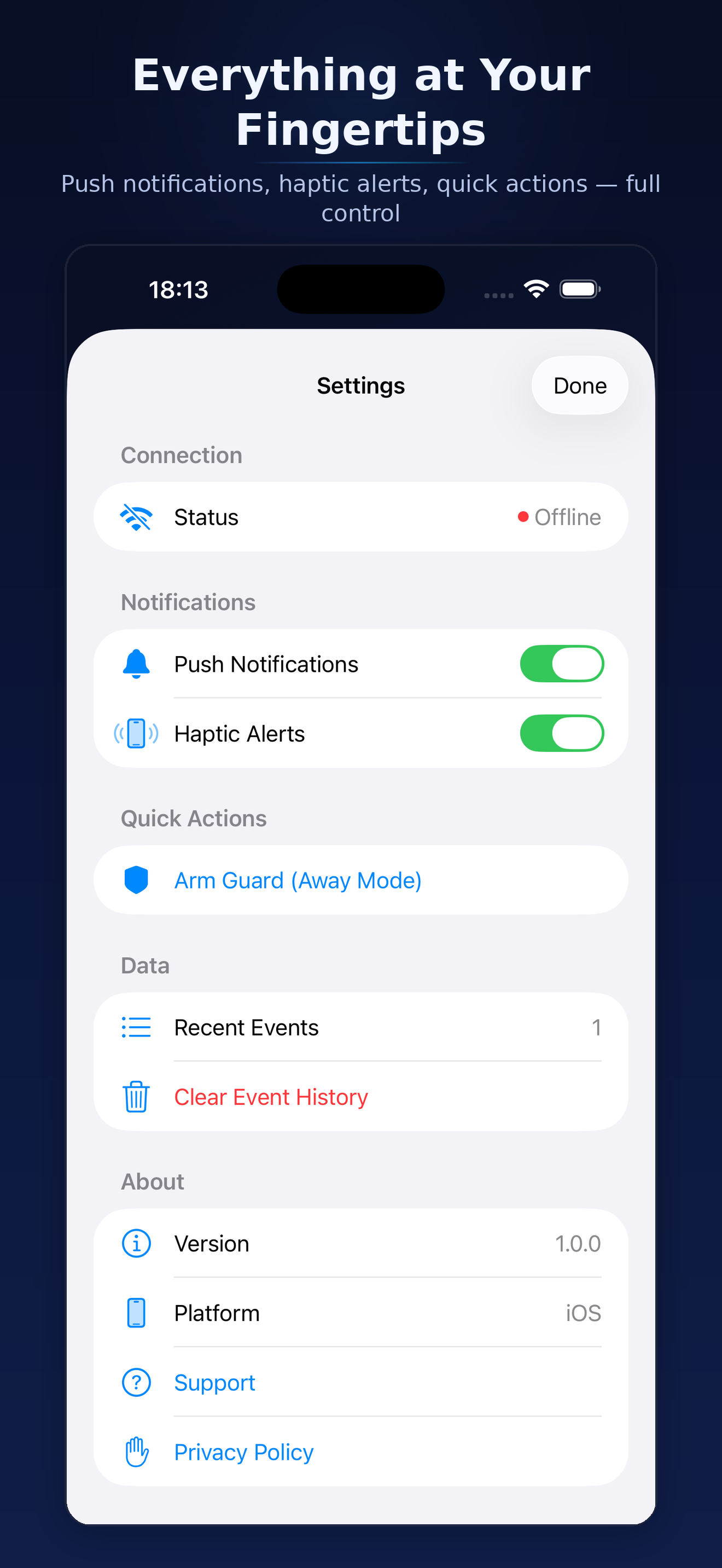
Pulse Companion Settings