Pulse Guard App Icon
WiFi Security for macOS

Pulse Guard

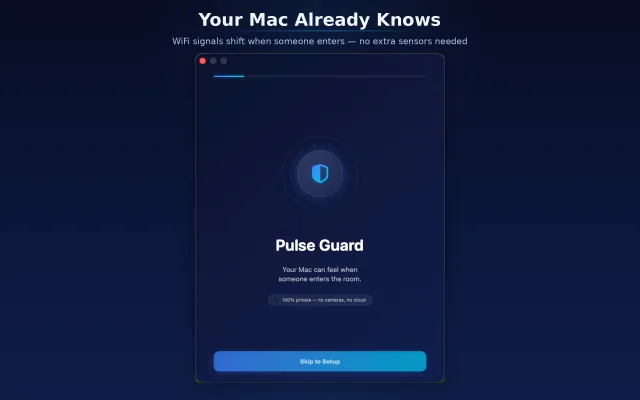
Your MacBook is all you need. WiFi signals shift when someone enters a room — Pulse Guard detects it instantly. No cameras, no extra hardware.

Free to try. No account required. Ready in 30 seconds.
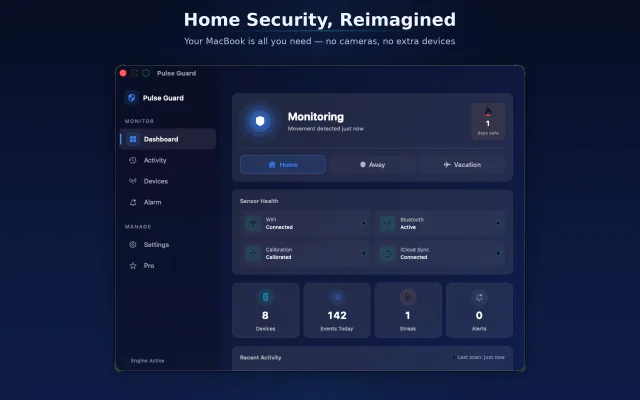
Pulse Guard Dashboard
Pulse Guard Welcome
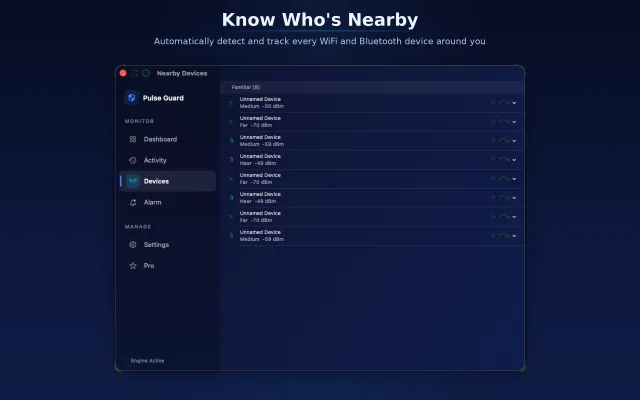
Pulse Guard Devices
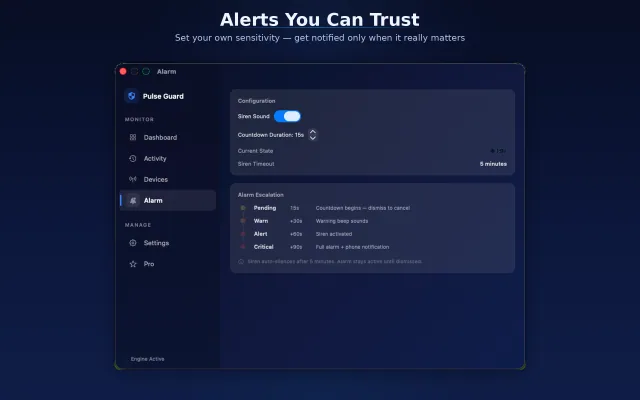
Pulse Guard Alarms
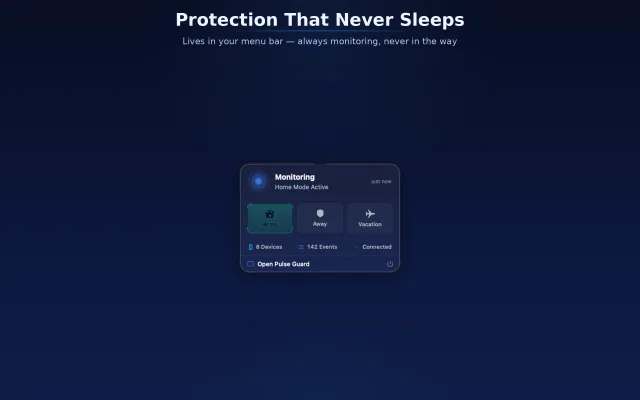
Pulse Guard Menu Bar
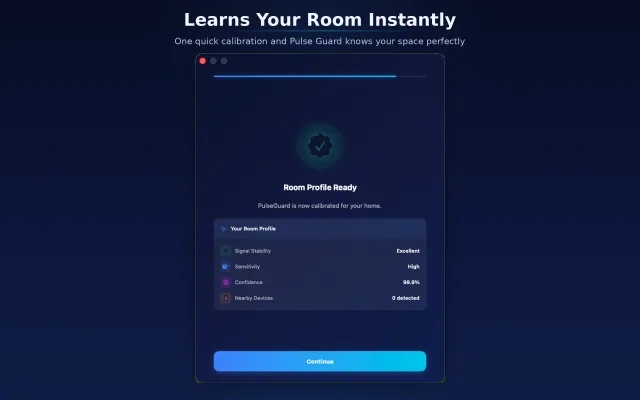
Pulse Guard Calibration
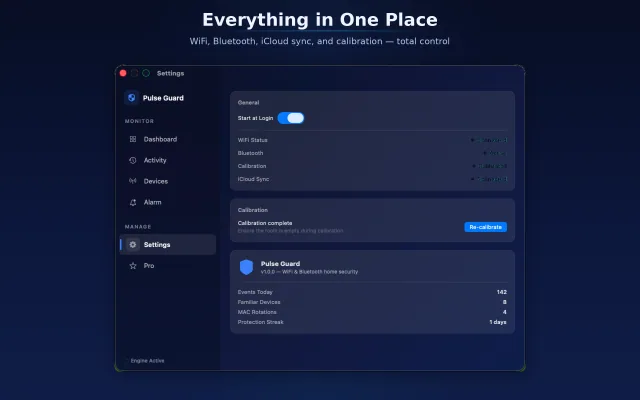
Pulse Guard Settings
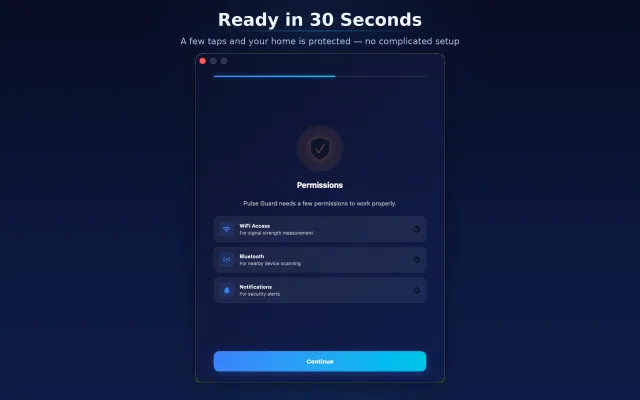
Pulse Guard Permissions
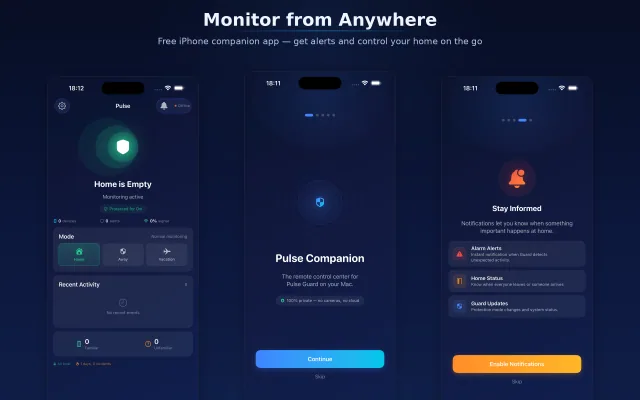
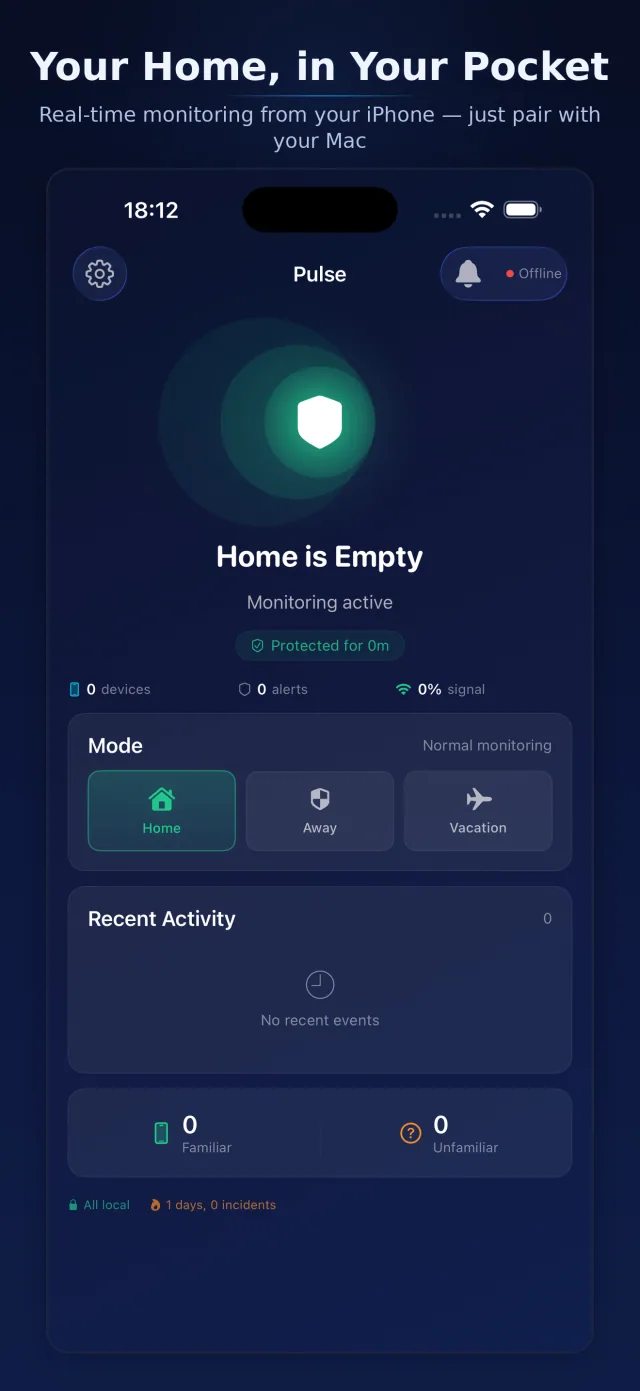
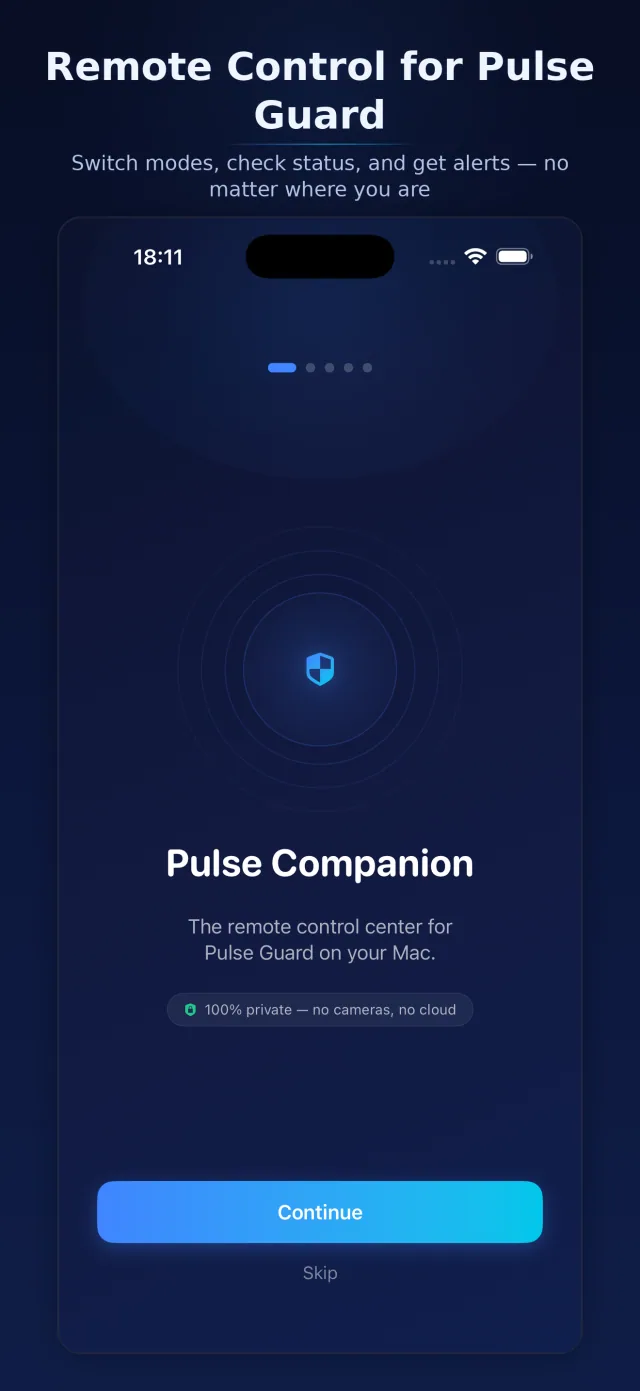
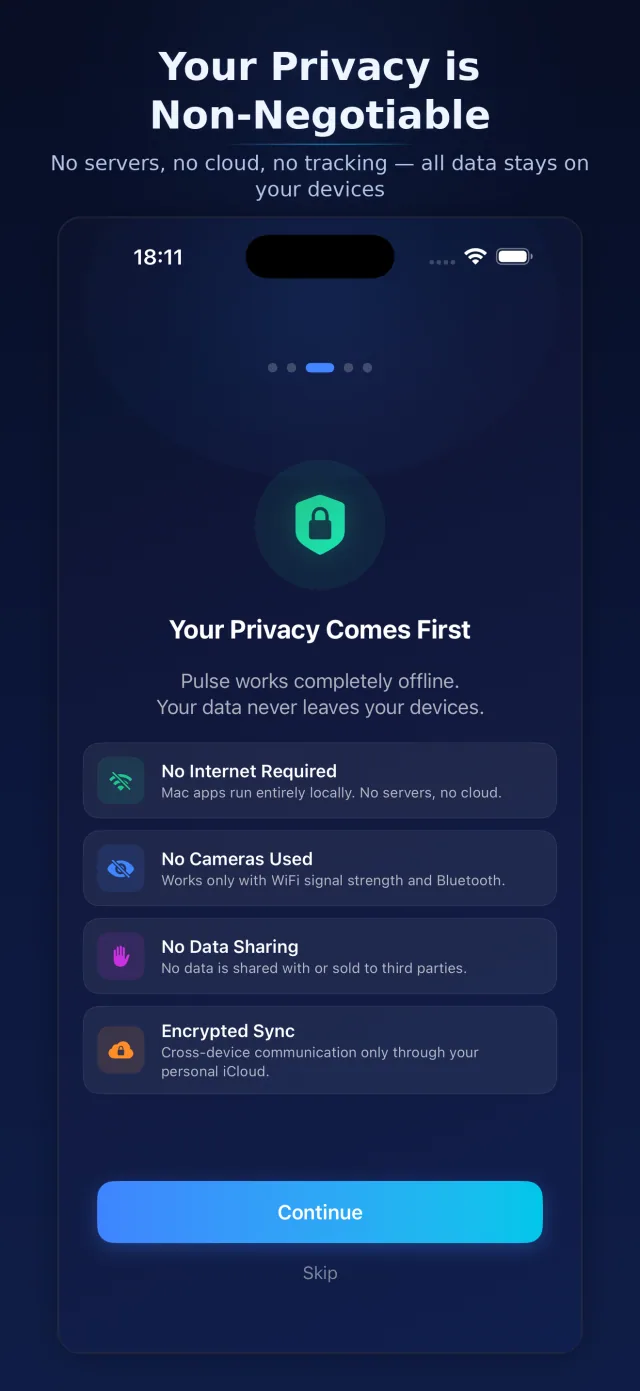
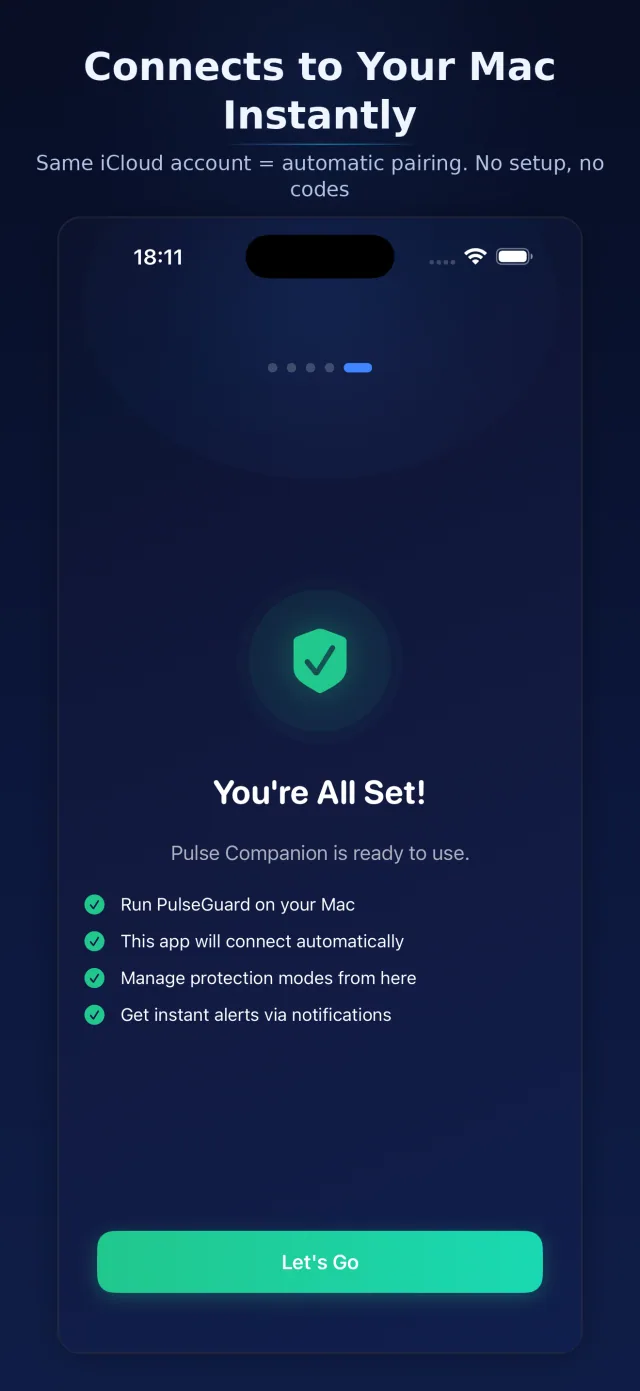
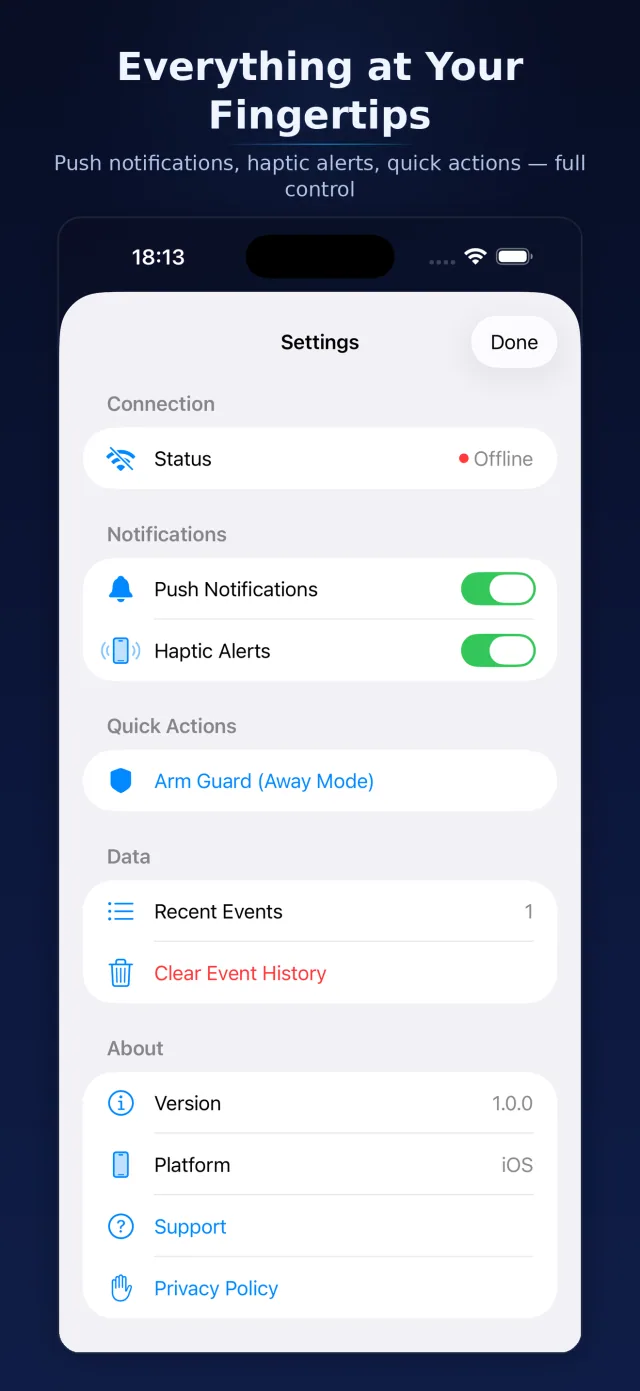
Pulse Guard Companion App

How it works

WiFi signals naturally fluctuate when someone enters a room. Pulse Guard learns your room's baseline and detects anomalies in real time.

WiFi Signal Analysis

Monitors RSSI values from your Mac's WiFi adapter to detect environmental changes caused by human presence.

Bluetooth Scanning

Automatically detects and tracks every Bluetooth device nearby. Known vs. unknown — you always know who's around.

No Extra Hardware

Just your MacBook. No cameras, no sensors, no hubs. Physics-based detection using signals already in your home.

Smart Alerts

Set your own sensitivity thresholds. Get notified only when it matters — with customizable alarm sounds and actions.

Menu Bar App

Lives in your menu bar — always monitoring, never in the way. One-click access to status, devices, and alerts.

100% Privacy

All data stays on your device. No servers, no cloud, no tracking. Your security data never leaves your Mac.

The Science Behind WiFi Security

Pulse Guard leverages a principle from wireless communications research: WiFi signals are affected by everything in their environment, including people. When a person enters a room, their body absorbs and reflects radio waves, creating measurable disturbances in the WiFi signal pattern that your MacBook's adapter can detect.

Channel State Information (CSI) Analysis

Traditional motion detection relies on cameras or infrared sensors. Pulse Guard takes a fundamentally different approach by analyzing WiFi Channel State Information — the fine-grained signal data that describes how radio waves travel between your router and your Mac. CSI captures amplitude and phase information across multiple subcarriers, providing a detailed fingerprint of the wireless environment. When this fingerprint changes, Pulse Guard knows something has moved.

Calibration & Baseline Learning

During initial setup, Pulse Guard learns the baseline signal pattern of your room when it is empty. This calibration phase typically takes 2-3 minutes. Once calibrated, the app continuously compares live signal data against this baseline, detecting even subtle environmental changes. The sensitivity threshold is fully adjustable — you can fine-tune it to ignore pets while still detecting human-sized movement.

Real-World Use Cases

Pulse Guard is ideal for home offices, apartments, and small spaces where camera surveillance feels invasive. Remote workers use it to know when someone enters their workspace. Parents use it as a lightweight baby room monitor. Privacy-conscious users appreciate that no visual data is ever captured or stored — just radio wave patterns that cannot identify individuals.

Part of the Pulse Ecosystem

Works with Pulse Companion

Monitor your home from your iPhone. Get push notifications, switch modes, and check status — wherever you are.

Download Pulse Companion
Pulse Companion Dashboard
Pulse Companion Welcome
Pulse Companion Privacy
Pulse Companion Setup
Pulse Companion Settings