WiFi Security for macOS
Pulse Guard
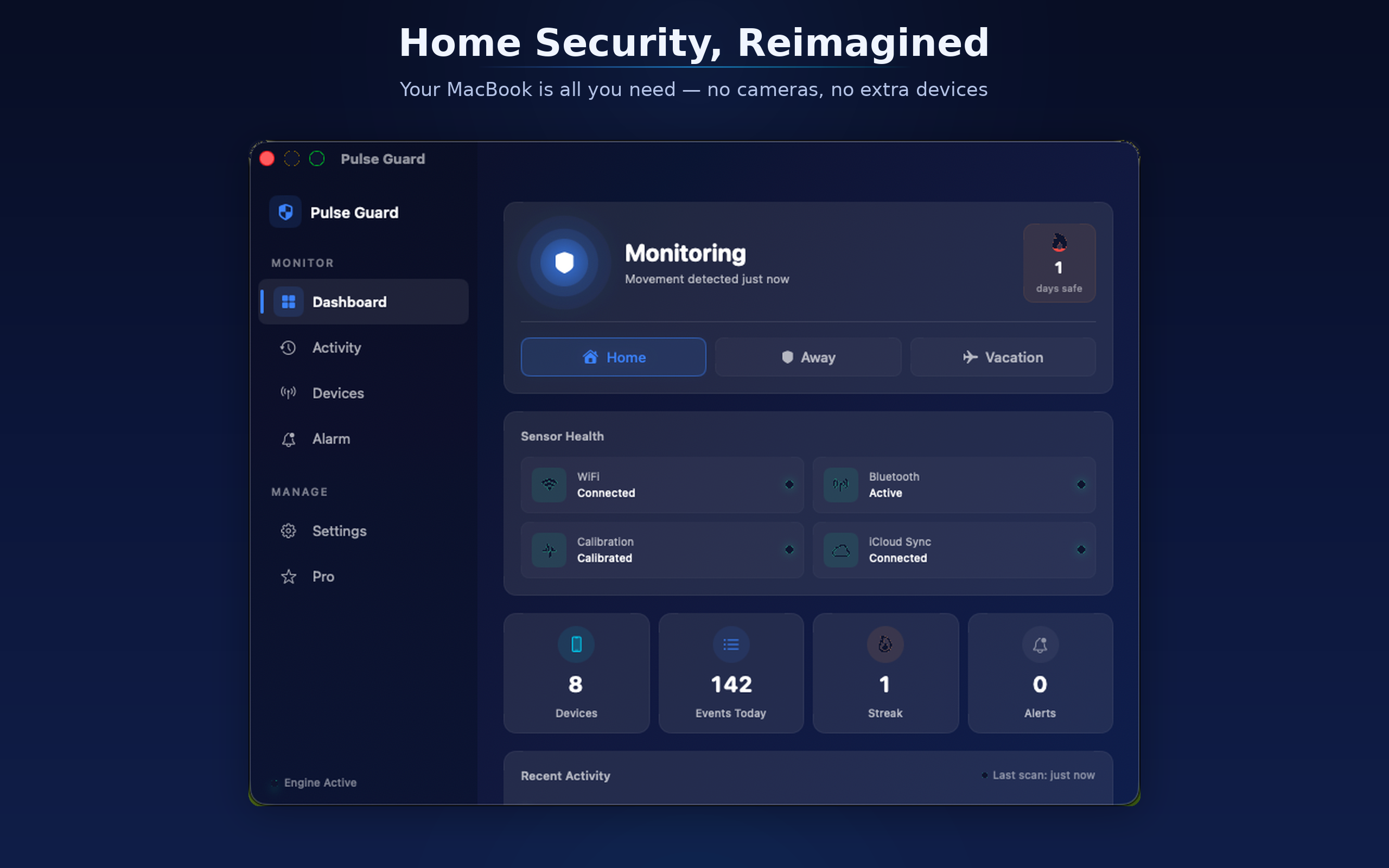
Your MacBook is all you need. WiFi signals shift when someone enters a room — Pulse Guard detects it instantly. No cameras, no extra hardware.
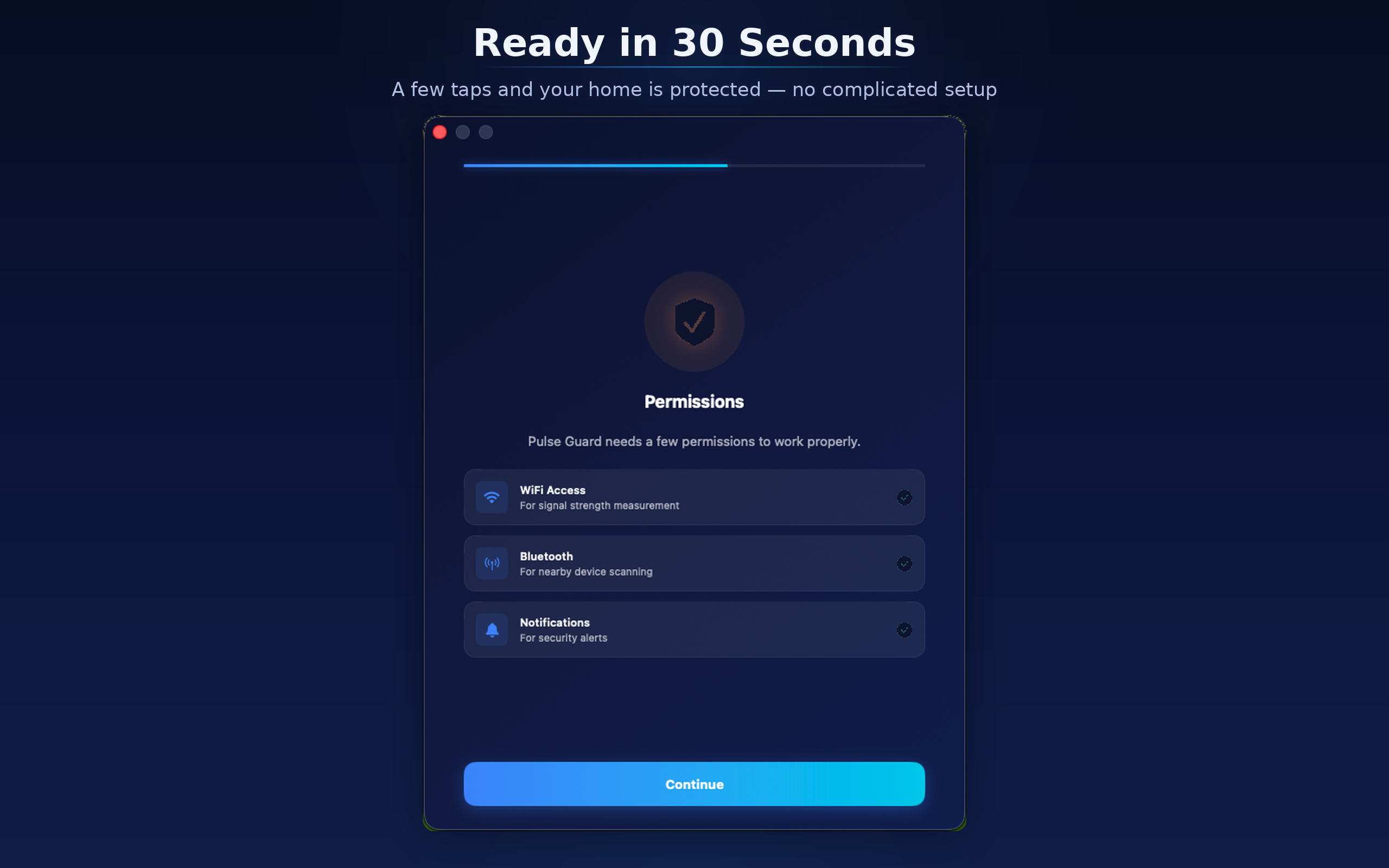
Free to try. No account required. Ready in 30 seconds.
Your MacBook is all you need. WiFi signals shift when someone enters a room — Pulse Guard detects it instantly. No cameras, no extra hardware.
Free to try. No account required. Ready in 30 seconds.
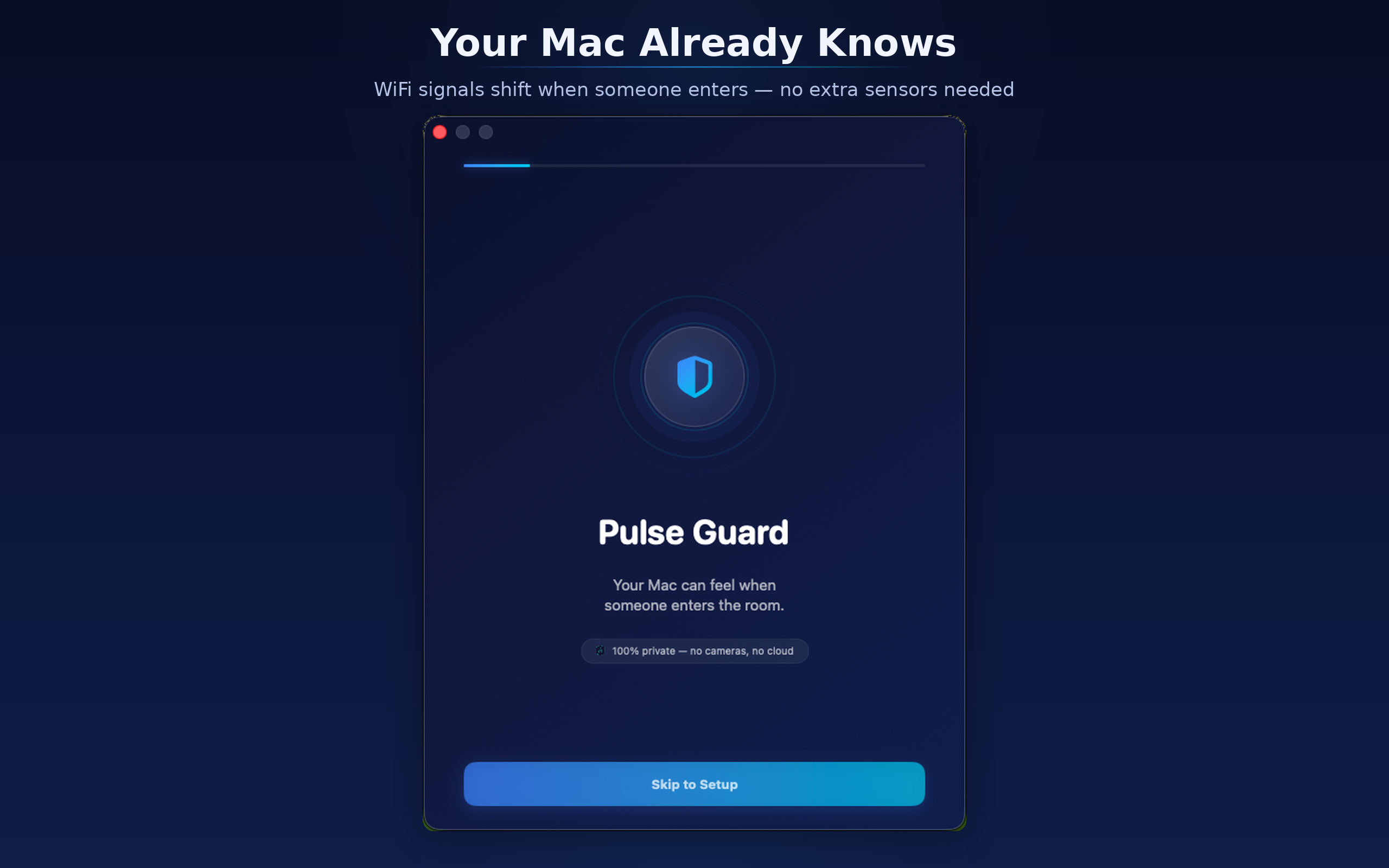
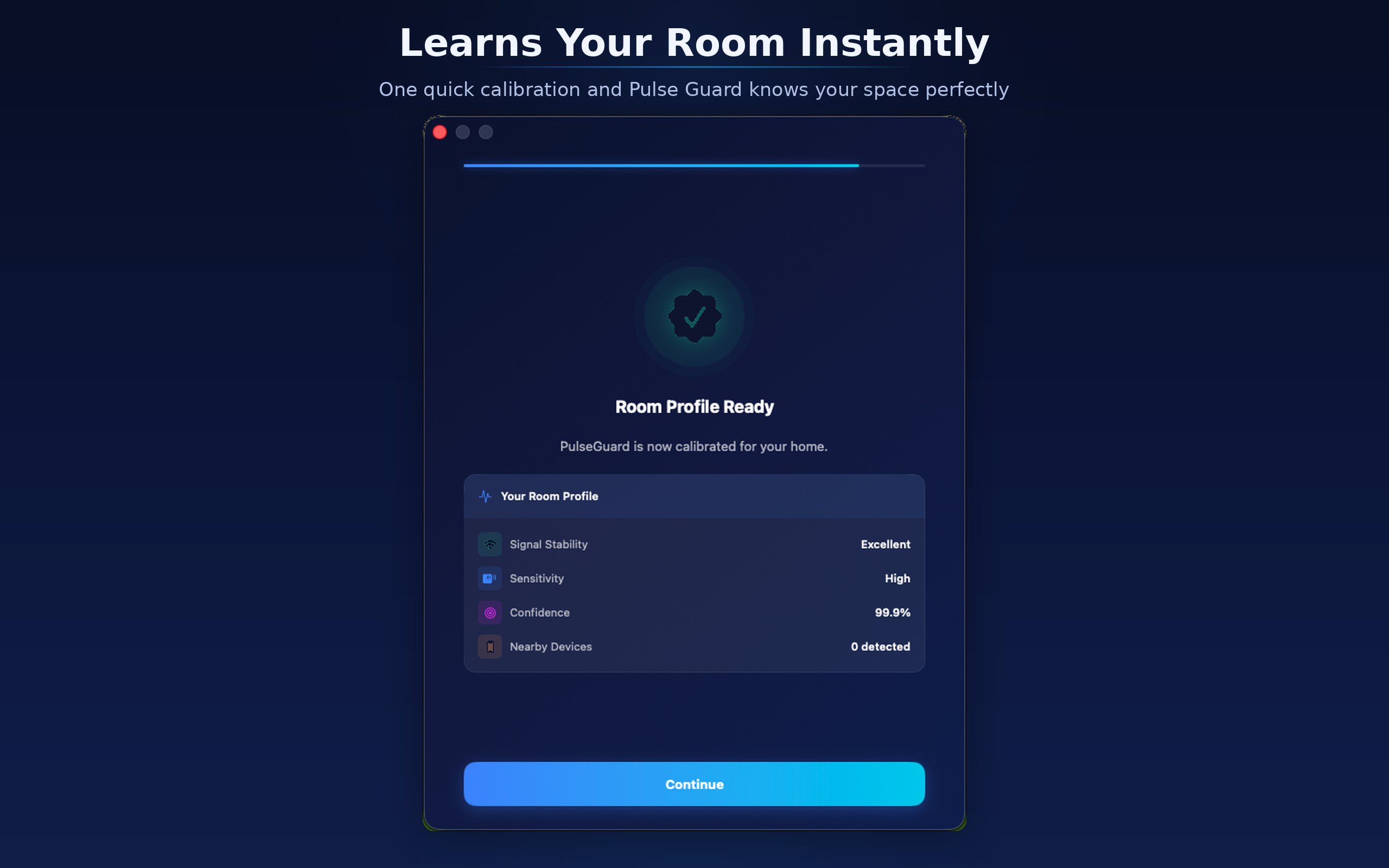
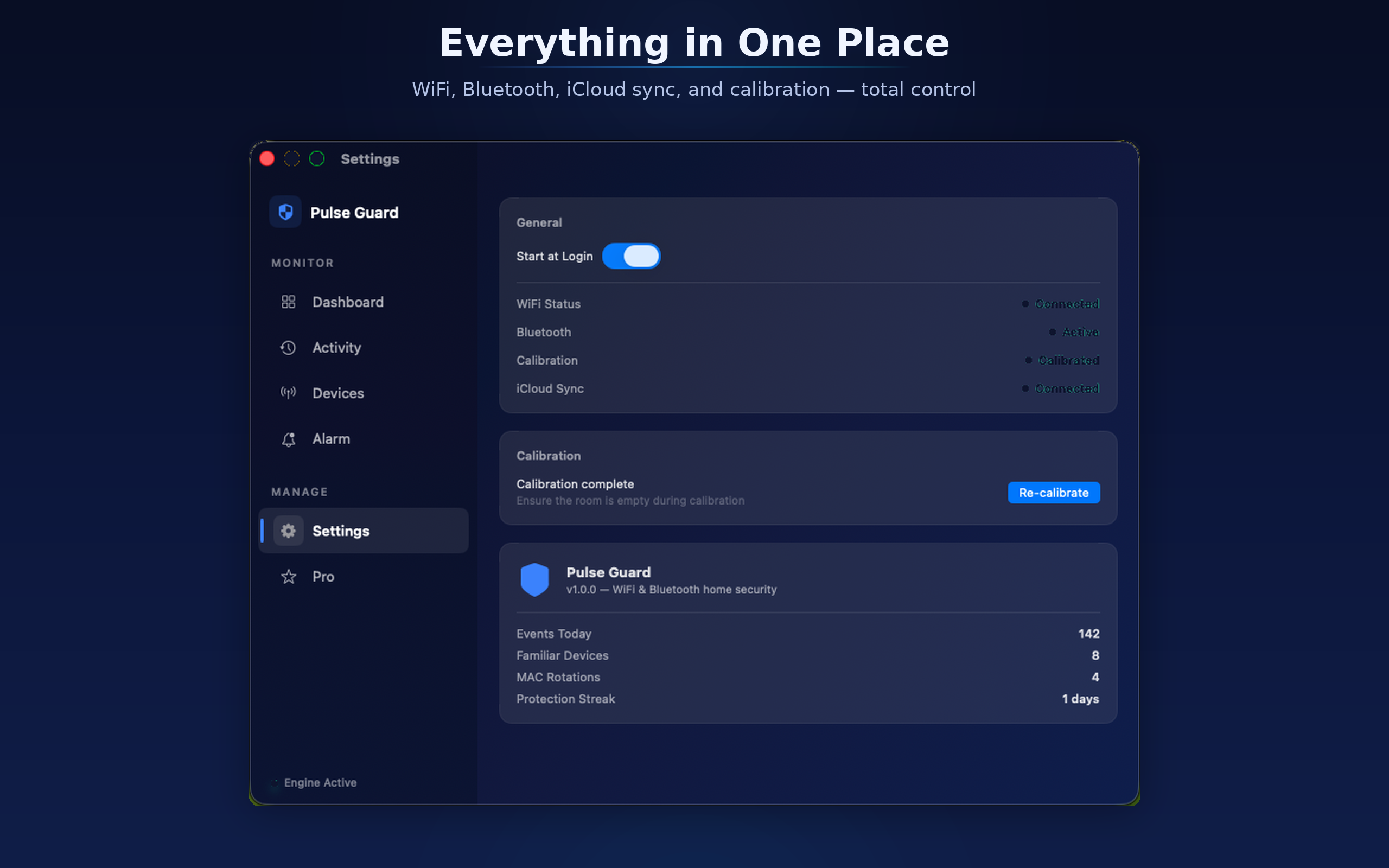
WiFi signals naturally fluctuate when someone enters a room. Pulse Guard learns your room's baseline and detects anomalies in real time.
Monitors RSSI values from your Mac's WiFi adapter to detect environmental changes caused by human presence.
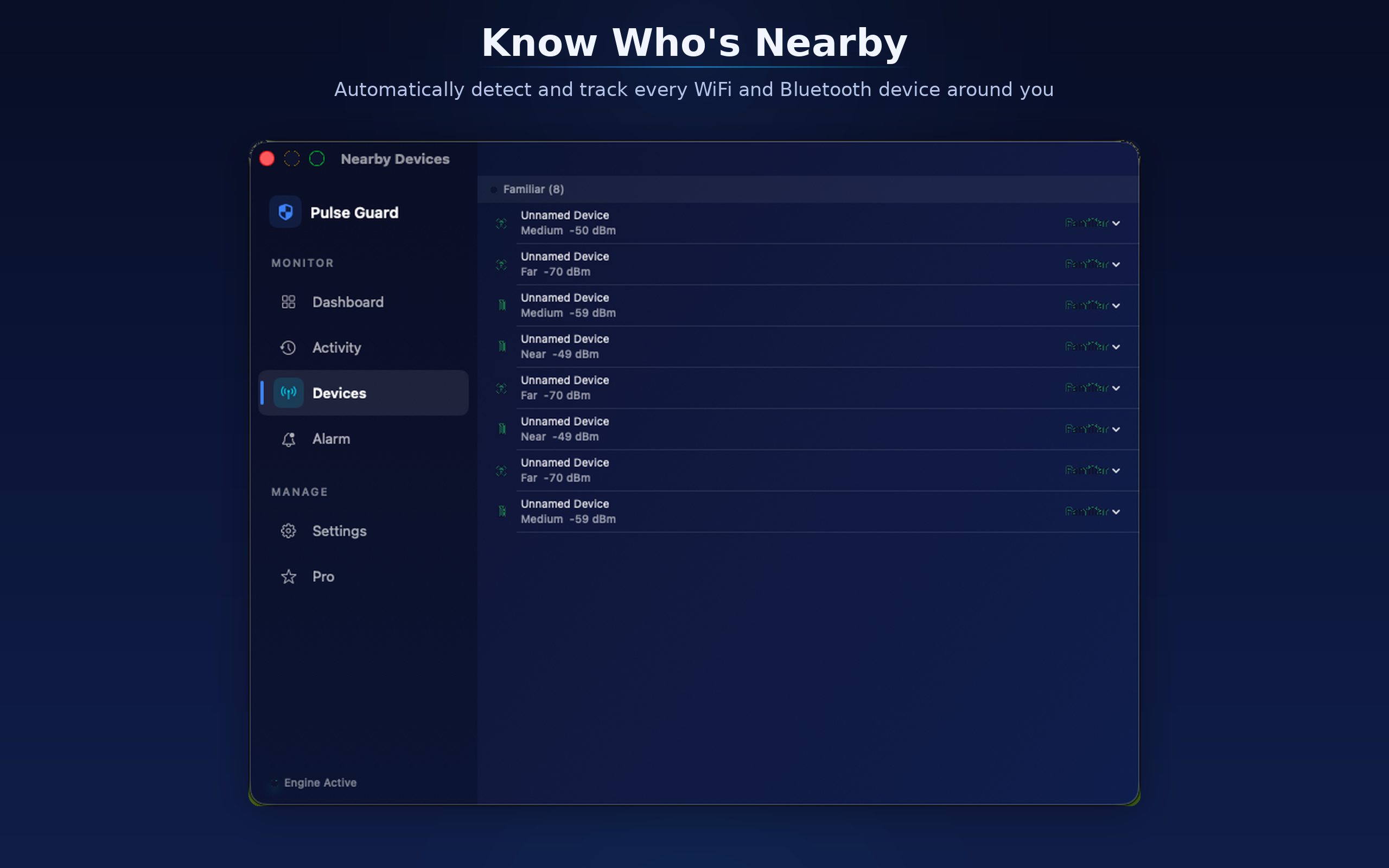
Automatically detects and tracks every Bluetooth device nearby. Known vs. unknown — you always know who's around.
Just your MacBook. No cameras, no sensors, no hubs. Physics-based detection using signals already in your home.
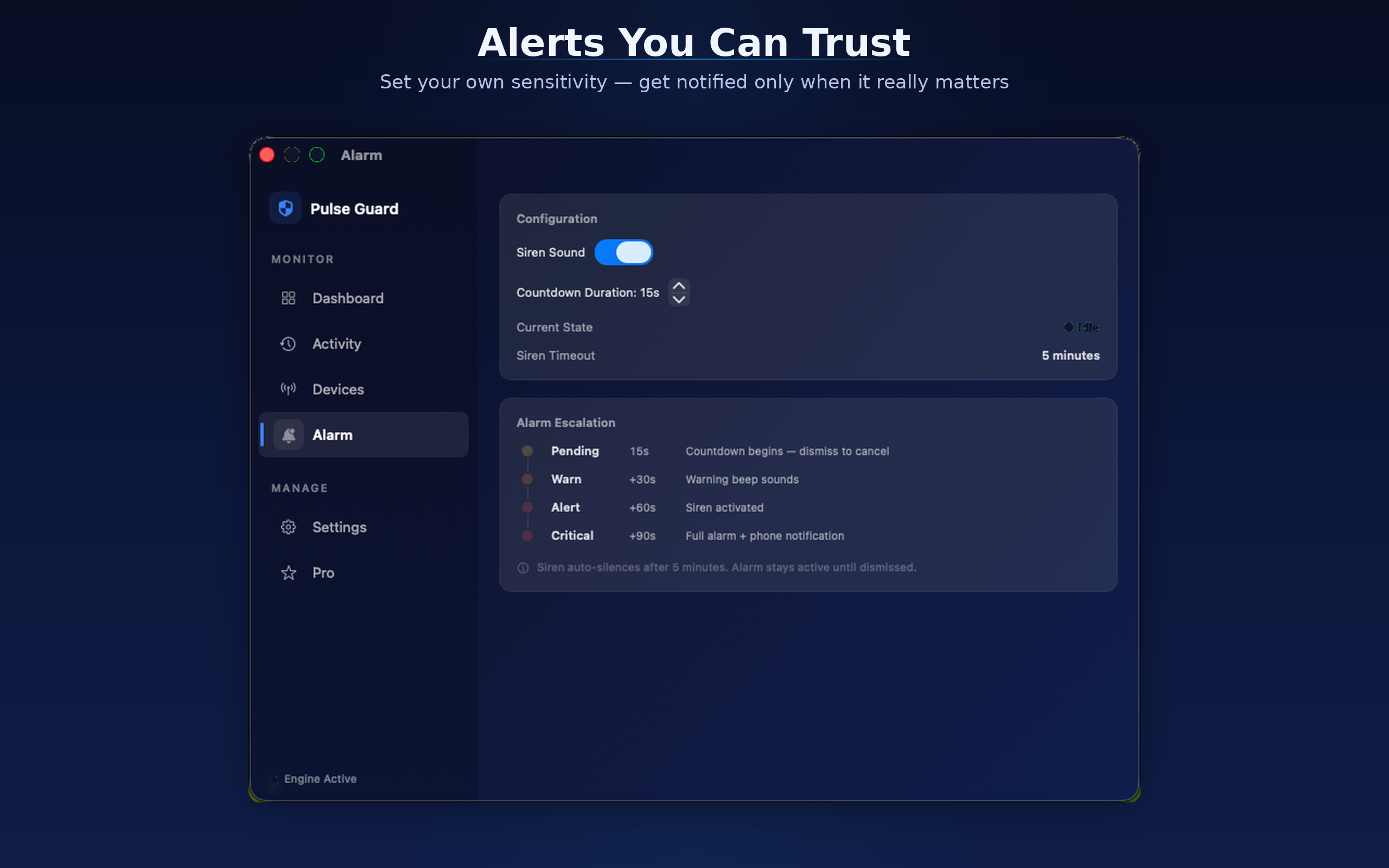
Set your own sensitivity thresholds. Get notified only when it matters — with customizable alarm sounds and actions.
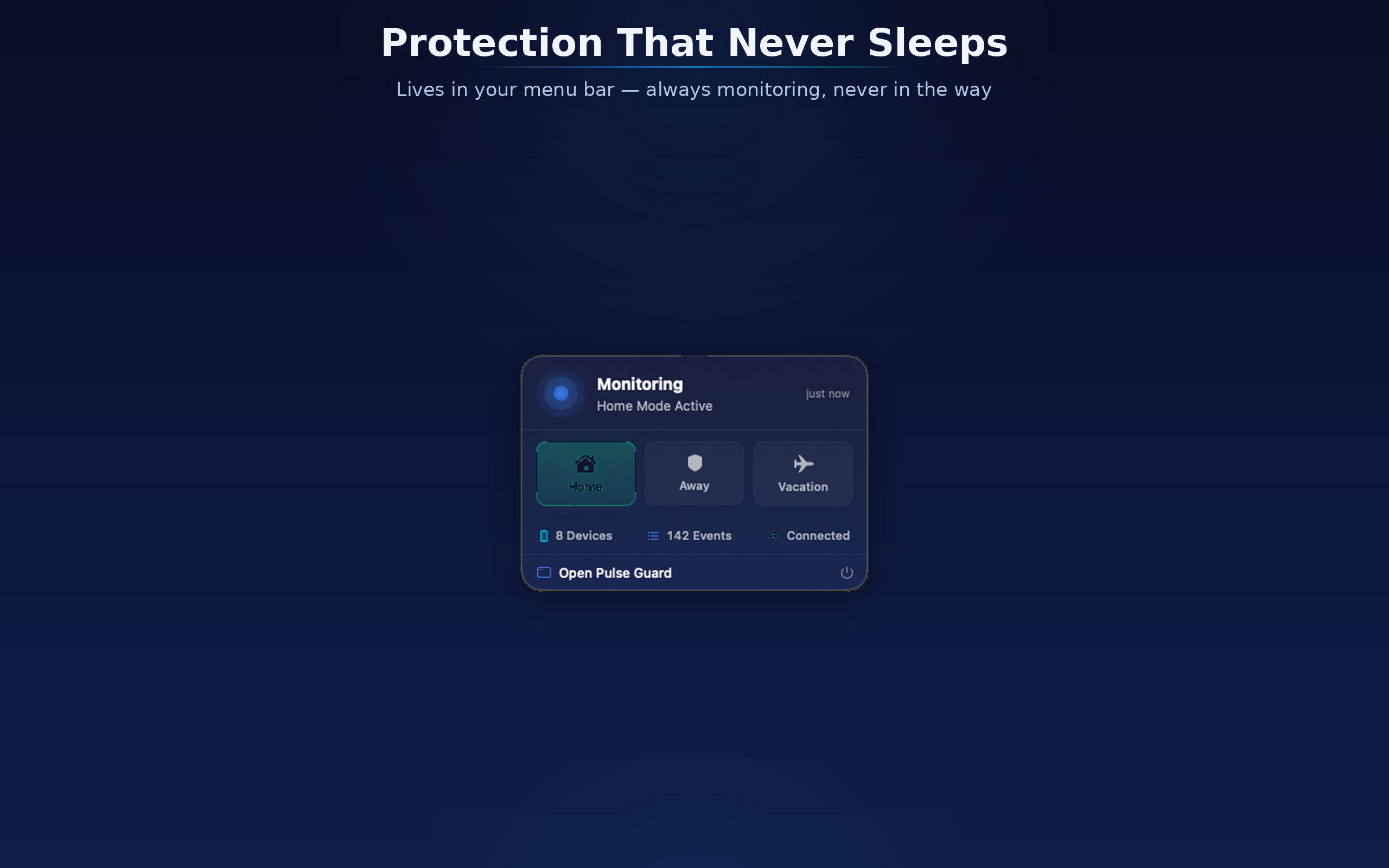
Lives in your menu bar — always monitoring, never in the way. One-click access to status, devices, and alerts.
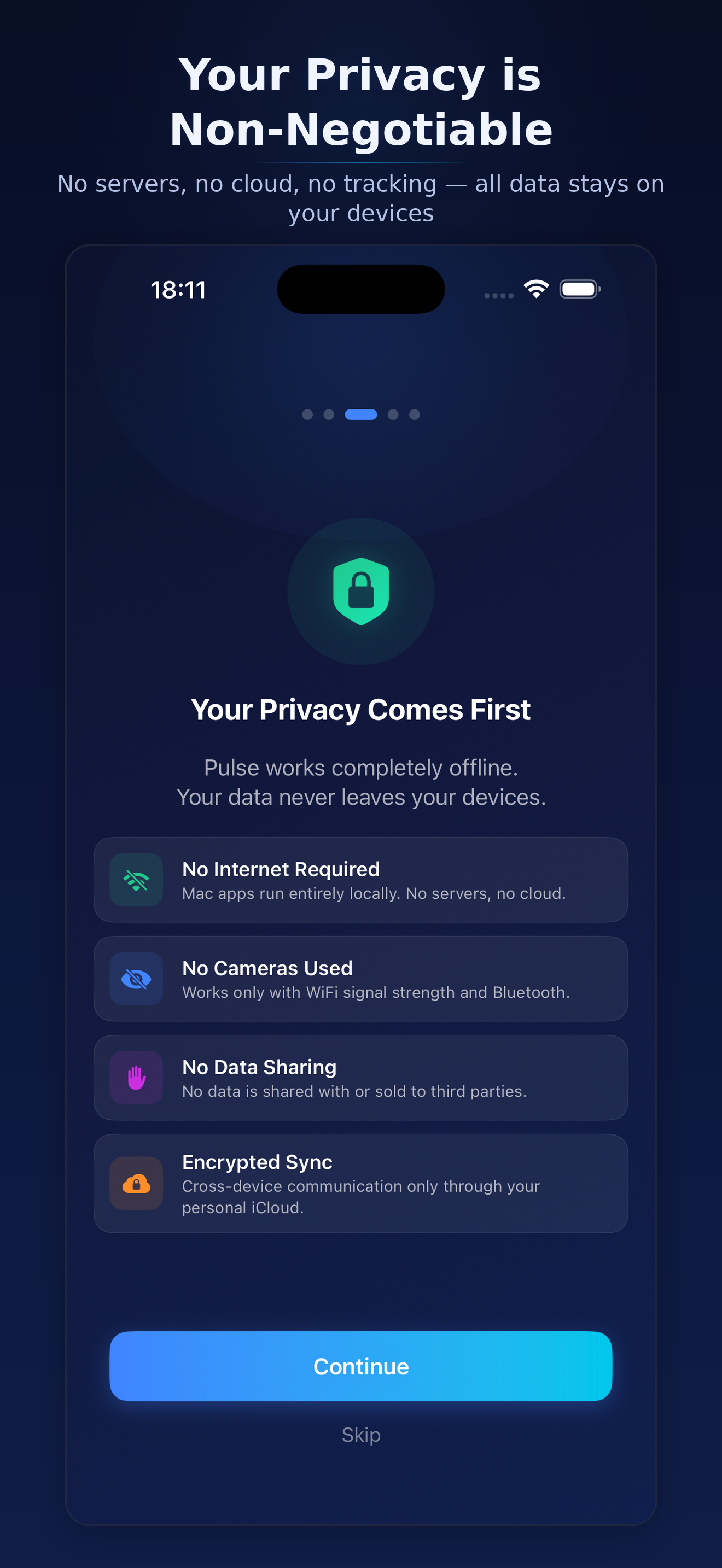
All data stays on your device. No servers, no cloud, no tracking. Your security data never leaves your Mac.
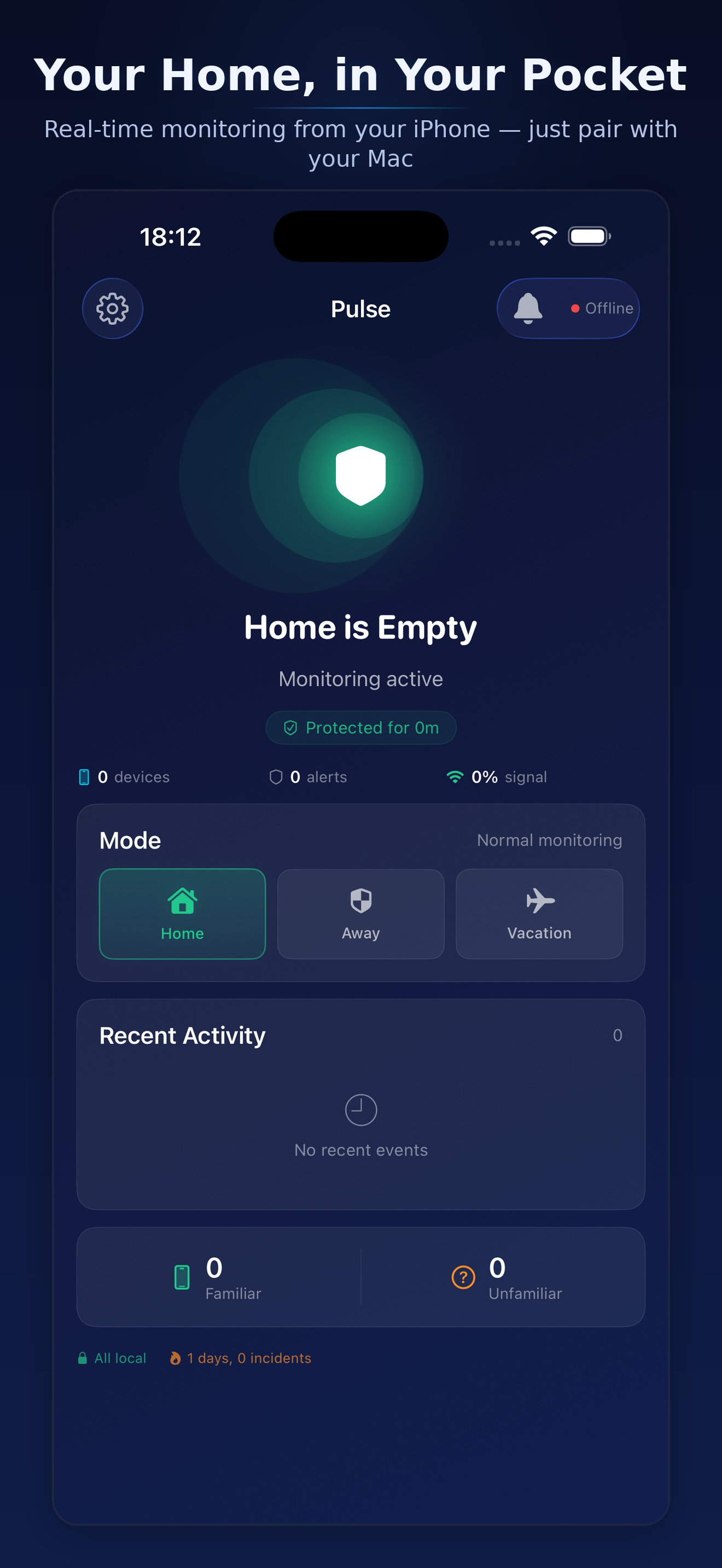
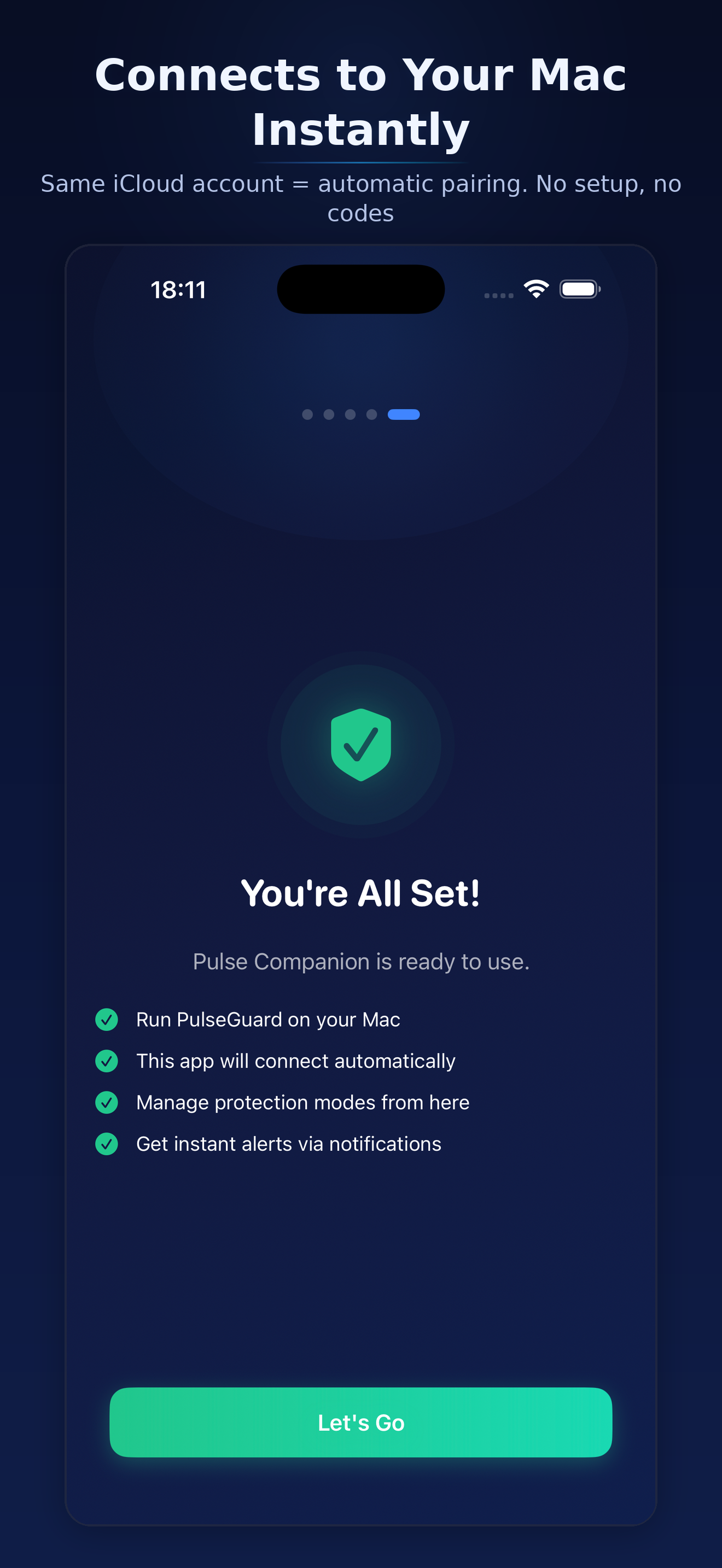
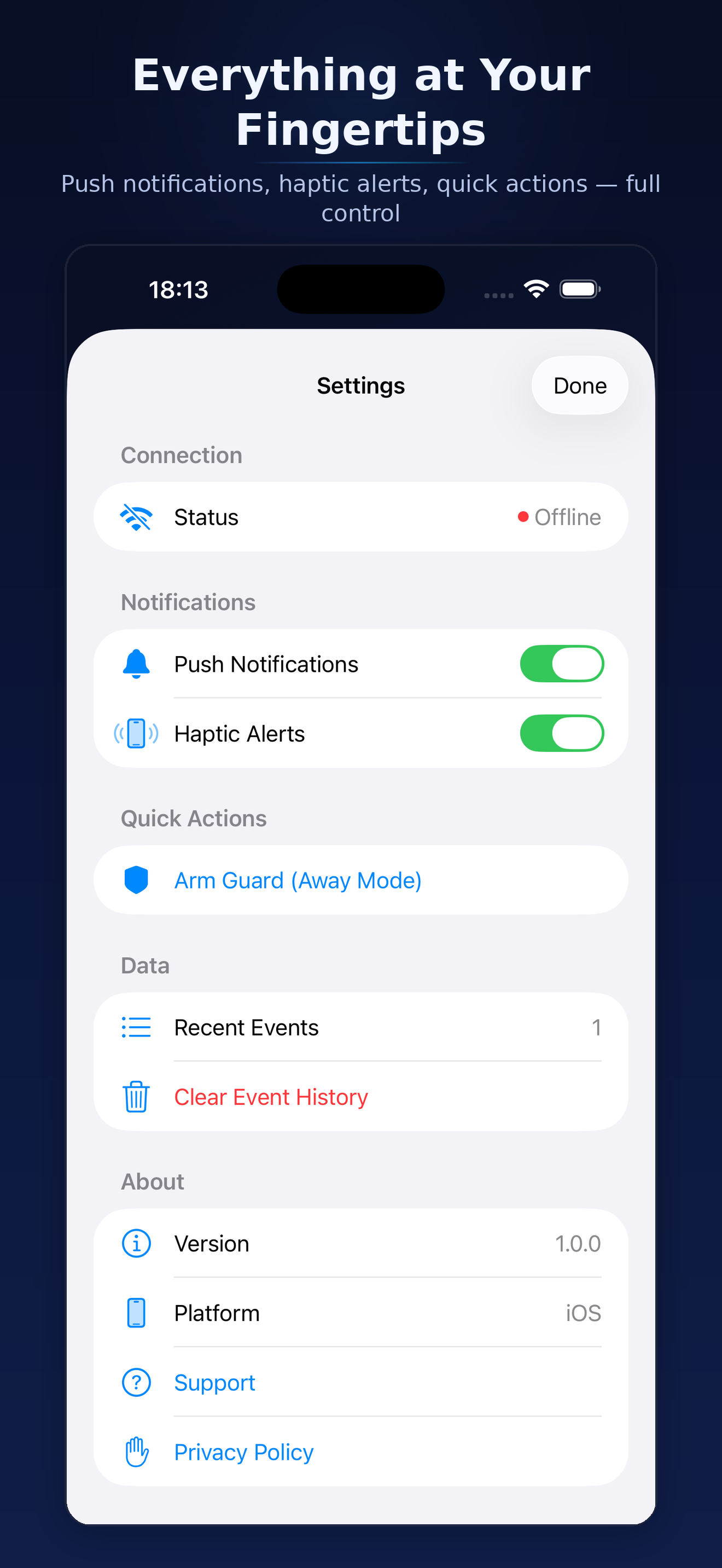
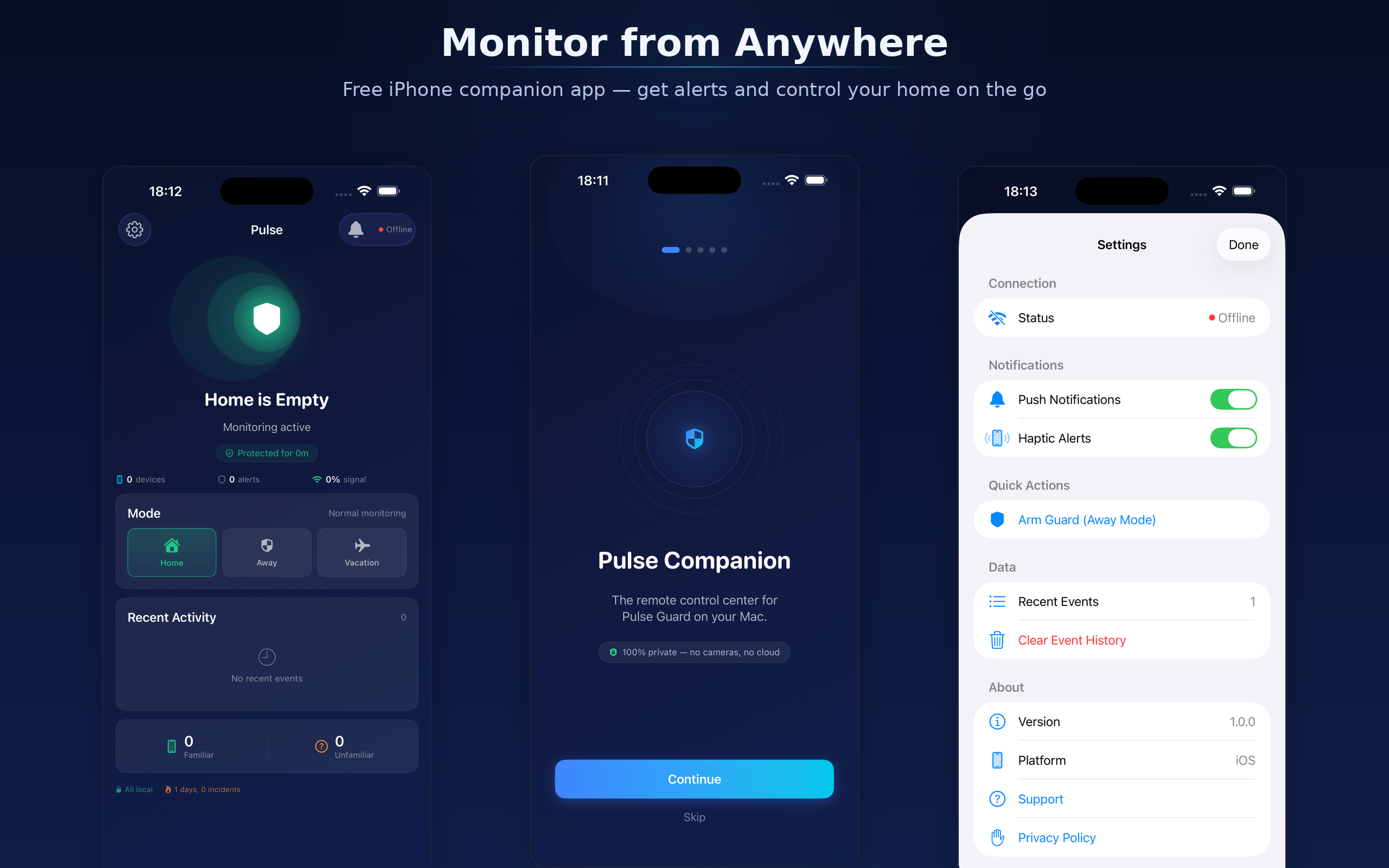
Monitor your home from your iPhone. Get push notifications, switch modes, and check status — wherever you are.