Free Supplement Tracker Template (and When to Use an App)
A simple supplement tracker template you can copy: what to log each day, an example table, and how to turn a log into a real take/skip experiment with SuppLab on iPhone.
A supplement log is only useful if it records the same things every day. Here is a template you can copy into Notes, a spreadsheet or paper.
What to log each day
- Date
- Supplement, dose and time taken (or "skipped")
- Sleep: hours and quality from 1 to 5
- Energy or focus during the day, 1 to 5
- Anything unusual: alcohol, illness, travel, hard training
Example
| Date | Supplement | Taken | Sleep (1–5) | Energy (1–5) | Notes |
|---|---|---|---|---|---|
| Mon | Magnesium 200 mg | Yes, 21:30 | 4 | 3 | |
| Tue | Magnesium 200 mg | Skipped | 3 | 3 | Late coffee |
| Wed | Magnesium 200 mg | Yes, 21:45 | 4 | 4 |
Make the log answer a question
A log alone rarely proves anything, because you usually take a supplement every day. To learn whether it helps you, alternate take and skip days in a random order and compare them. Read how to test whether a supplement works for you for the method.
When an app is easier
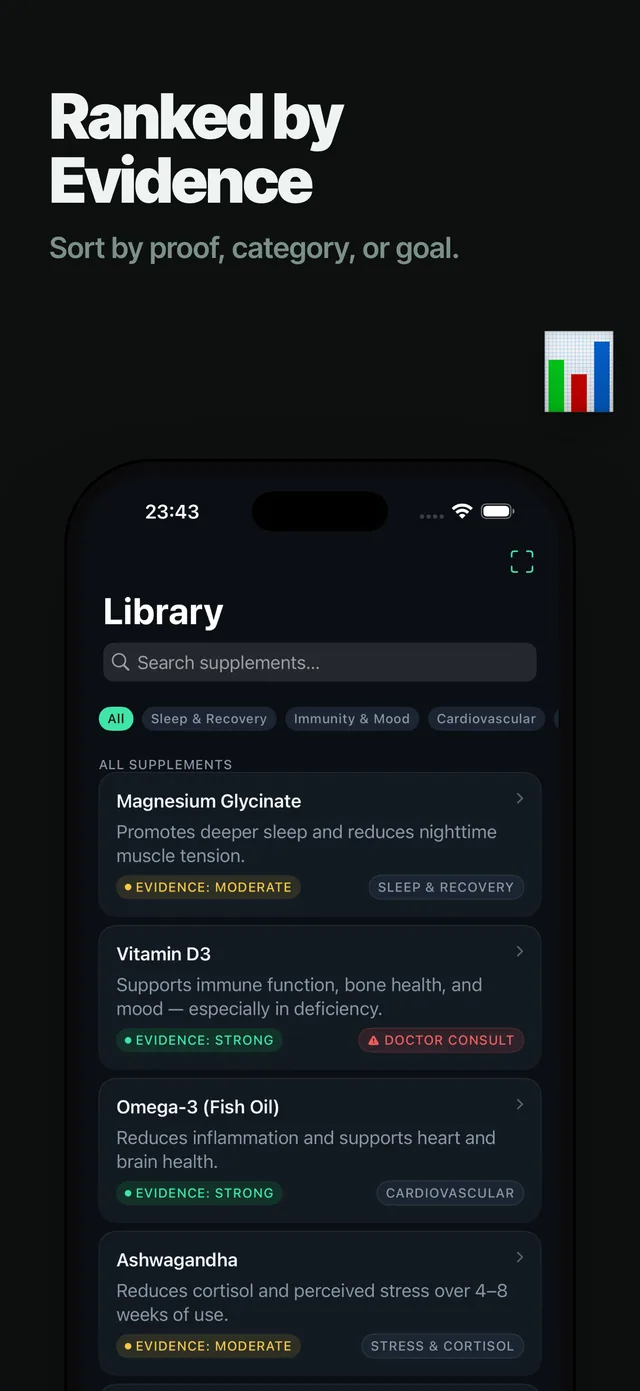
SuppLab for iPhone keeps the log for you, builds a randomized take/skip schedule, can read sleep and HRV from Apple Health if you allow it, and shows a plain-language verdict at the end. There are no accounts; data stays on your iPhone.
Safety: check with a doctor or pharmacist before starting or combining supplements, especially with medication or a health condition.
Frequently asked questions
What should a supplement tracker include?
Date, supplement, dose, time or skipped, plus the outcome you care about such as sleep or energy, and notes on unusual days.
Is there a free supplement tracker app?
SuppLab for iPhone is free to download and tracks supplements and take/skip experiments on your device.
How do I know if a supplement is working from my log?
Compare days you took it with days you skipped, ideally in a random order, rather than judging by how you feel after starting.