Make Reddit story videos on your iPhone
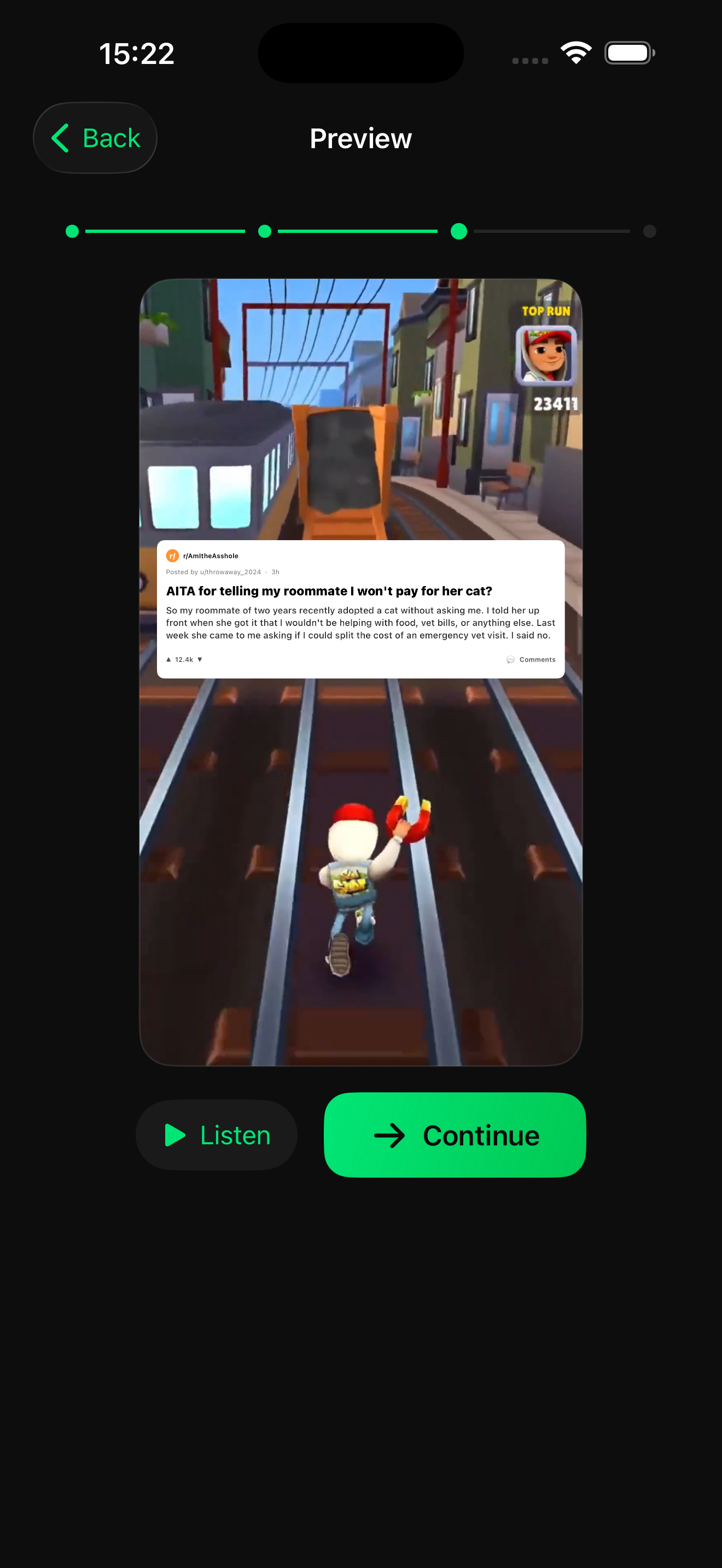
A Reddit story video pairs a written post with a voiceover, large synced subtitles and a looping background clip. Brolled's Reddit Story tool builds that format on iPhone: paste or write the story, pick a voice and a background, and export a 9:16 video without opening a timeline editor.
Try Reddit Story in Brolled — free on the App StoreHow to make it with Brolled
- Open Reddit Story. Launch Brolled and choose Reddit Story from the tool list.
- Add the story text. Paste a post you have the right to use, or write your own story. Keep the title short; it appears as the post header.
- Choose the voice and background. Pick an AI voiceover and a background clip. Gameplay-style or satisfying loops keep the eye busy while viewers listen.
- Preview and export. Play the preview to check subtitle timing, then export the vertical video and post it to TikTok, Reels or Shorts.
Tips for the format
- Hook in the first line. The opening sentence decides whether people keep watching, so lead with the conflict, not the backstory.
- Split long stories into parts. A 60 to 90 second part 1 with a clear cliffhanger usually performs better than a single long video.
- Only use posts you wrote or have permission to reuse, and remove usernames or personal details.
Frequently asked questions
What is a Reddit story video?
A short vertical video that reads a Reddit-style post aloud with an AI or recorded voice, shows synced subtitles and plays a background clip underneath. The format is common on YouTube Shorts and TikTok.
Do I need to edit on a timeline?
No. Brolled generates the voiceover, subtitles and layout for you; you choose the text, voice and background and then export.
Is it free?
Brolled is free to download with 3 free credits and all tools unlocked. Free exports are SD with a watermark; a subscription removes the watermark and enables HD.