Make Would You Rather videos on iPhone
Would You Rather videos show two choices, give viewers a few seconds to pick, then reveal what most people chose. Brolled's Would You Rather tool creates the layout, countdown timer and percentage reveal for you, so a full question series takes minutes instead of an editing session.
Try Would You Rather in Brolled — free on the App StoreHow to make it with Brolled
- Open Would You Rather. Choose the Would You Rather tool in Brolled.
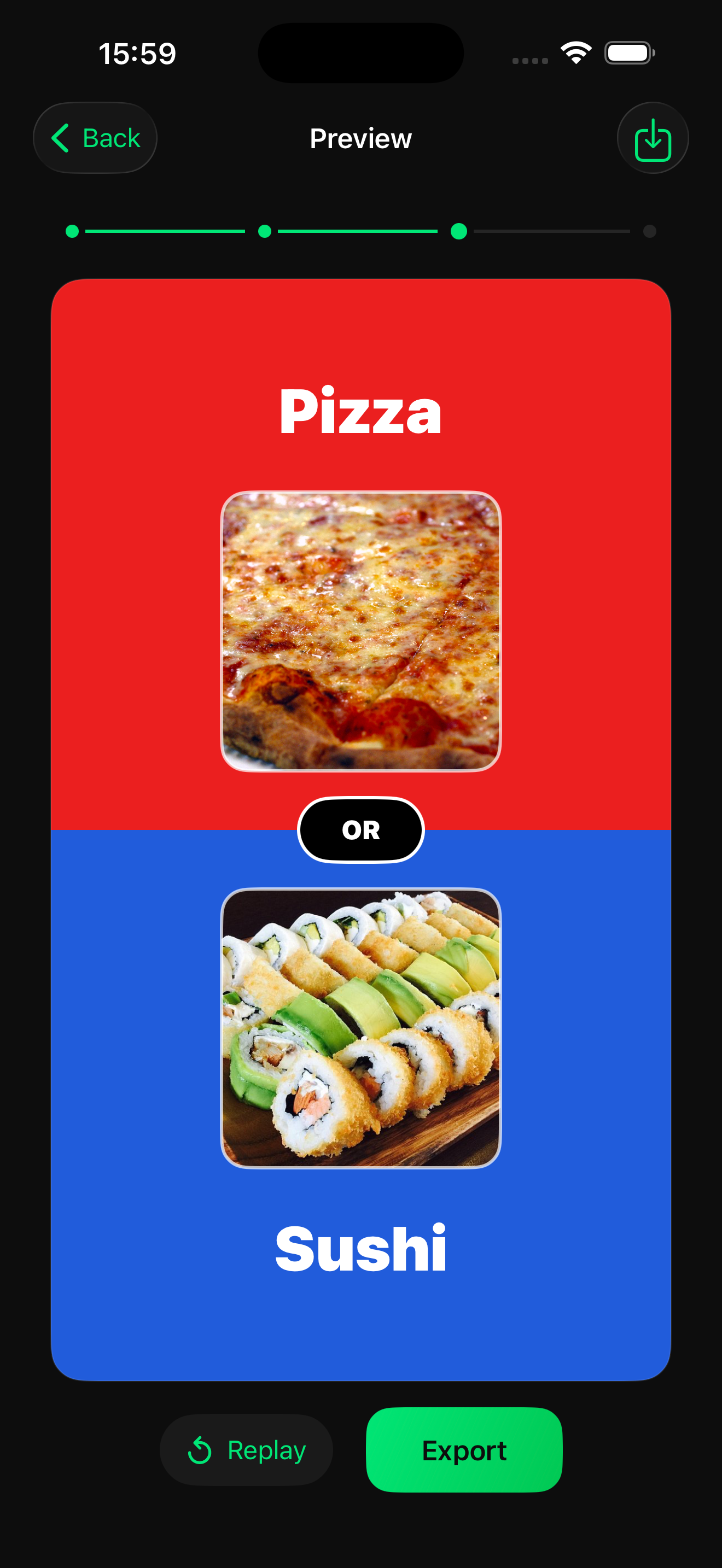
- Add your questions. Write two options for each round. Add images if you want each side to be instantly recognisable.
- Set the reveal. Enter the percentages to reveal after the countdown.
- Export and post. Preview the rounds and export the vertical video.
Tips for the format
- Make both options genuinely tempting. The format works when viewers argue in the comments.
- Five to eight rounds is a comfortable length for a short video.
- Ask viewers to comment their score at the end to drive engagement.
Frequently asked questions
How long should a Would You Rather video be?
Most perform well between 30 and 60 seconds, which fits five to eight rounds with a short countdown each.
Can I use images for the options?
Yes, you can pair each option with an image so it reads quickly on a small screen.
Does it work for YouTube Shorts?
Yes. Brolled exports vertical video for TikTok, Instagram Reels and YouTube Shorts.