How to Remember Birthdays on iPhone (and Never Miss One)
Add birthdays to Contacts, turn on the Birthdays calendar, set alerts days in advance, and let an assistant flag important dates early. A simple setup for iPhone.
Your iPhone already has everything it needs to remind you of birthdays; it is just not switched on by default for most people.
1. Add the birthday to the contact
Open Contacts, choose a person, tap Edit, then Add Birthday. Do this for the people who matter most first.
2. Turn on the Birthdays calendar
In the Calendar app, tap Calendars and make sure Birthdays is checked. Birthdays from Contacts now appear on your calendar every year.
3. Set an alert in advance
Go to Settings → Apps → Calendar → Default Alert Times and set Birthdays to one day or one week before. A same-day alert is too late to buy a gift or plan anything.
4. Share family birthdays
For children's friends, grandparents and in-laws, add birthdays to a shared family calendar so both parents see them.
5. Let an assistant look ahead
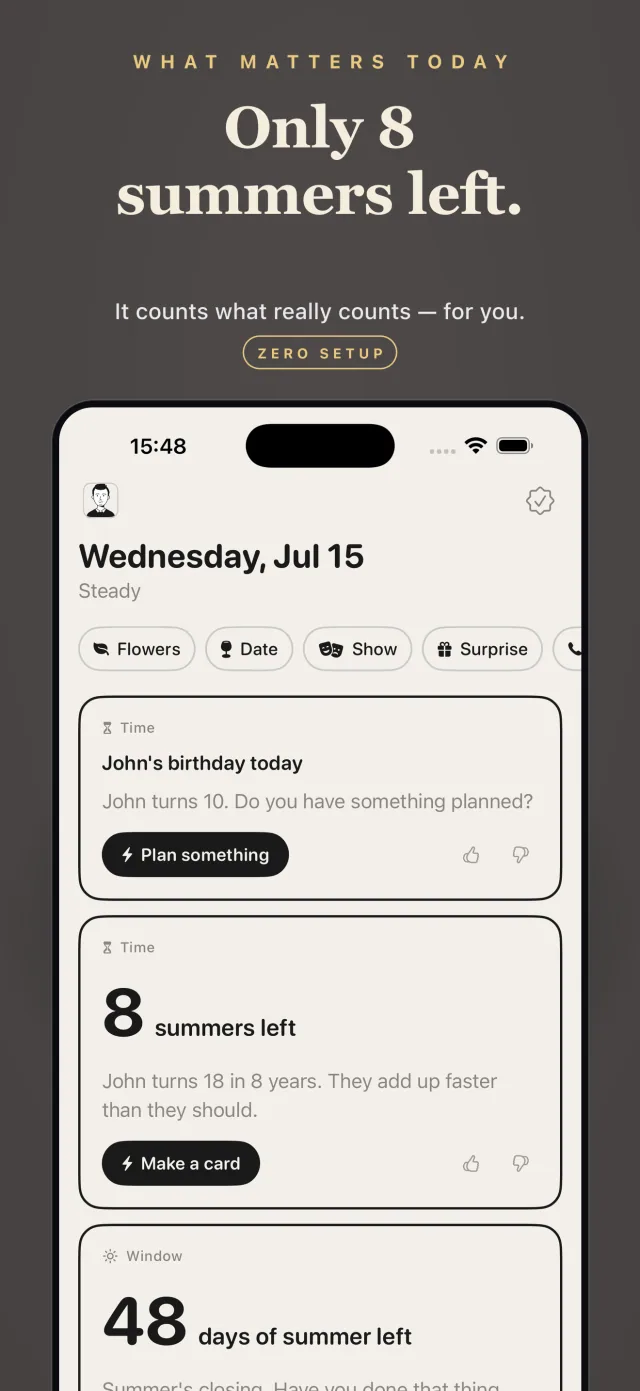
Cornerman reads your calendar and contacts on your iPhone and points out important dates and clashes early enough to act, such as a birthday falling on a day you are travelling. Everything runs on-device.
Frequently asked questions
How do I get birthday reminders on iPhone?
Add birthdays to contacts, enable the Birthdays calendar in the Calendar app, and set a default alert time for birthdays in Calendar settings.
Why are birthdays not showing in my iPhone calendar?
The Birthdays calendar may be hidden. In the Calendar app tap Calendars and check Birthdays, and make sure the birthday is saved in the contact.
Can my iPhone remind me a week before a birthday?
Yes. Set the default alert time for Birthdays to one week before in Calendar settings.