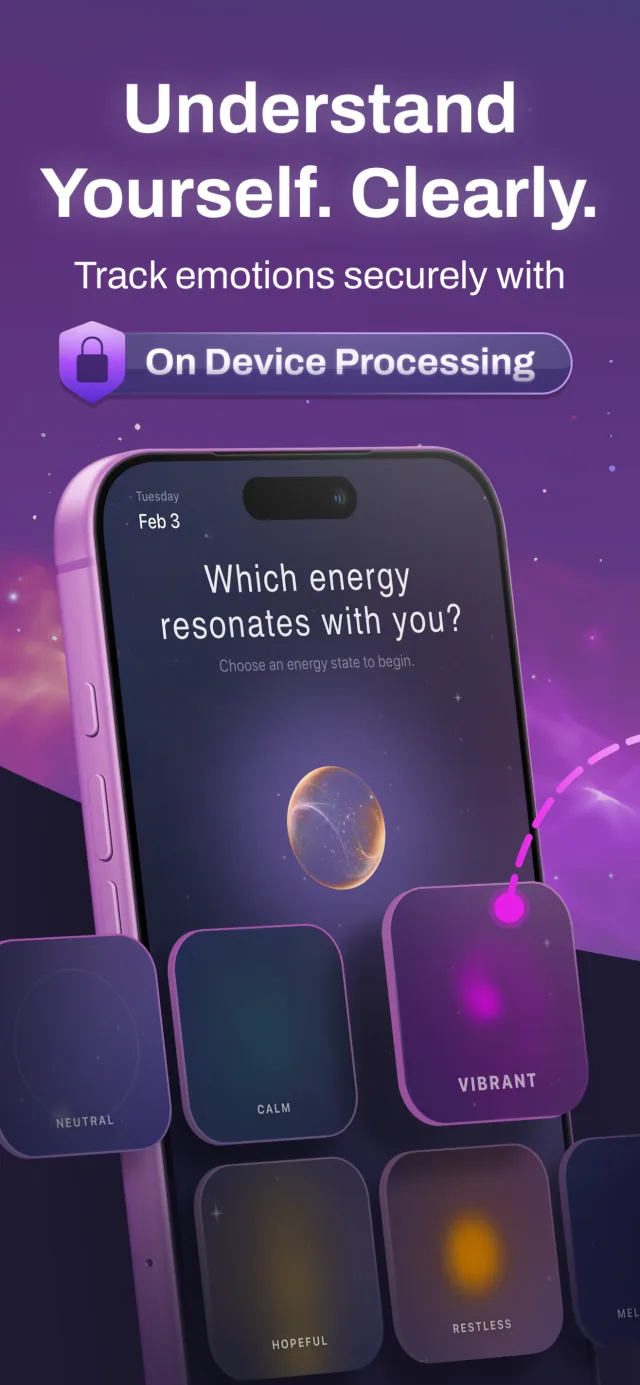
How to Keep a Private Mood Journal on iPhone
Start a simple mood journal with ShadowART: make a quick check-in, add context, revisit your archive and review privacy and sync settings.
You do not need a long daily entry to keep a mood journal. A short check-in and one sentence of context can make a record easier to revisit later. ShadowART combines mood check-ins, journaling and reflection features on iPhone.
1. Review privacy settings before your first entry
Decide where you want your entries to be available and whether you want to use optional features. ShadowART's text analysis runs on-device. Its privacy policy also describes optional iCloud sync, opt-in analytics and biometric protection. Review these settings rather than assuming that local analysis means every optional feature is offline.
If you share your phone, consider the device's own lock settings as well. Keep the privacy policy accessible so you can revisit what each option does.
2. Make a quick mood check-in
Choose the feeling that best describes your experience at that moment. You can stop there. The aim is to create a record you can understand later, not to find a perfect label or maintain a perfect streak.
3. Add one sentence of context
If you want more detail, write what was happening around the check-in. For example: “Finished a busy morning and finally took a quiet break.” A specific note often gives you more to revisit than a label alone.
You can write a longer journal entry when you have more to say. ShadowART also includes reflection prompts and deeper journaling features, so short and long entries can coexist.
4. Revisit your archive
Use the calendar archive to look back over earlier entries. Compare your own notes and circumstances, rather than treating a single label or automated interpretation as a complete explanation. You might notice similar situations in several entries, or find that days you remembered as identical were actually different.
5. Choose how much depth you want
ShadowART includes content inspired by Jungian archetypes and guided reflection. You can explore those features if they interest you, or keep using the app for brief check-ins. The product page explains the free and Pro feature groups.
What does private mean here?
On-device text analysis means the analysis is performed on your phone. Sync and optional analytics are separate choices explained in the privacy policy. Check their settings and the policy before deciding what information you want to record.
What should I expect from the results?
A journal is a record for personal reflection. Automated text analysis and reflection prompts can give you another way to look at an entry, but they are not a professional psychological assessment. You remain the person who knows the context behind your words.